0L40-03U
Printing Posters
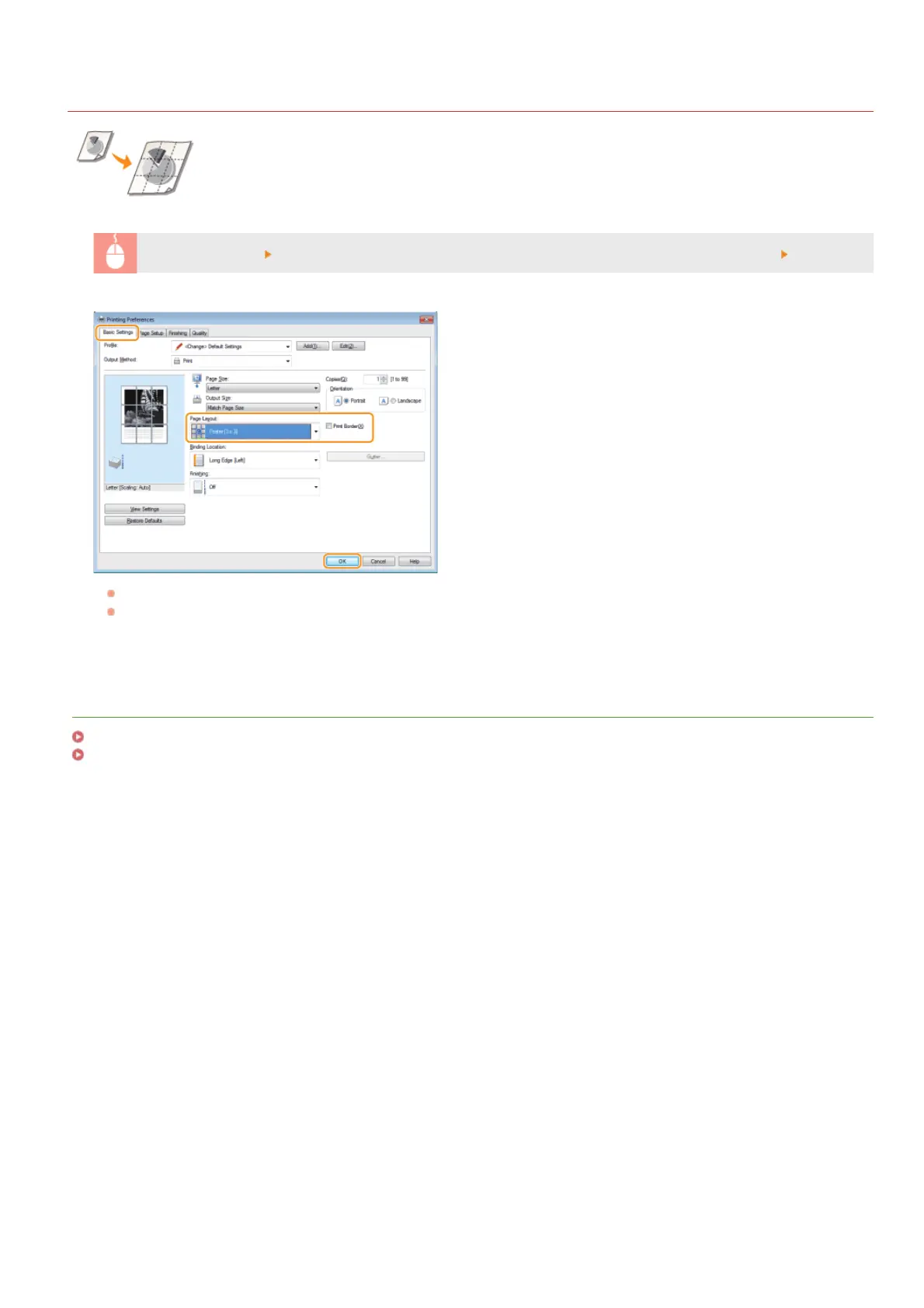
You can print one page of a document onto multiple pages. For example, if you make a one-page A4-size
document nine times larger, you will have a poster 3x3 A4 size sheets large after you print the document and
paste it together.
[Basic Settings] tab
In [Page Layout], select the dimensions of your poster (for example, [Poster [2 x 2]]) [OK]
There are four size settings:[Poster [1 x 2]], [Poster [2 x 2]], [Poster [3 x 3]], and [Poster [4 x 4]].
Select the [Print Border] check box to add borders on your printouts. The borders are helpful if you want to paste the printouts
together or cut off the margins.
LINKS
Printing a Document
Enlarging or Reducing
㻤㻜㻌㻛㻌㻟㻟㻢








 To Next Page