0L90-011
Selecting the Driver to Be Installed
Before installing the MF Drivers, on the machine, specify the connection method with the computer and the types of drivers to use.
Using a Model with a Fax Function
Using a Model without a Fax Function
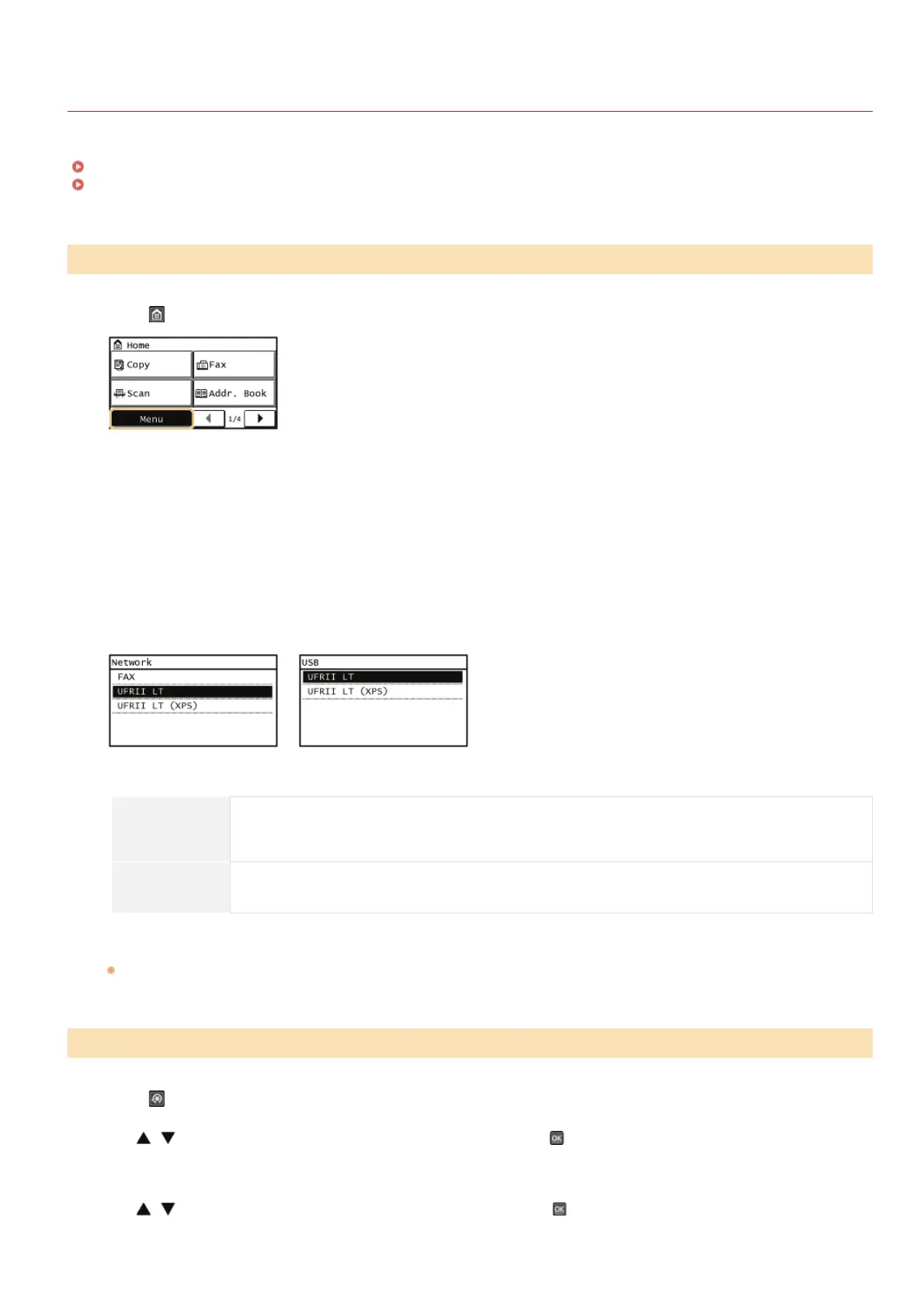
Press and tap <Menu>.
Tap <System Management Settings>.
If a screen for entering a PIN is displayed, enter the PIN with the numeric keys and tap <Apply>. Setting the System Manager
PIN (e-Manual)
Tap <PDL Selection (Plug and Play)>.
Tap <Network> or <USB>.
Select the driver you are using.
Selectable page description language
Network
Fax
UFRII LT
UFRII LT (XPS)
USB
UFRII LT
UFRII LT (XPS)
Restart the machine.
If you selected <USB> in step 4, turn OFF the machine and wait for at least 10 seconds before turning it back ON.
Press .
Use / to select <System Management Settings>, and press .
If a screen for entering a PIN is displayed, enter the PIN with the numeric keys and press [OK]. Setting the System Manager
PIN (e-Manual)
Use / to select <PDL Selection (Plug and Play)>, and press .
Using a Model with a Fax Function
Using a Model without a Fax Function
1
2
3
4
5
6
1
2
3
㻢㻌㻛㻌㻠㻣








 To Next Page