0L40-050
Network
The machine has been designed for flexibility of use across a variety of environments, and it includes advanced technologies in addition
to basic network features. Do not worry if you are not a network expert, because the machine has also been designed for convenience
and ease of use. Relax and proceed with the network setup one step at a time.
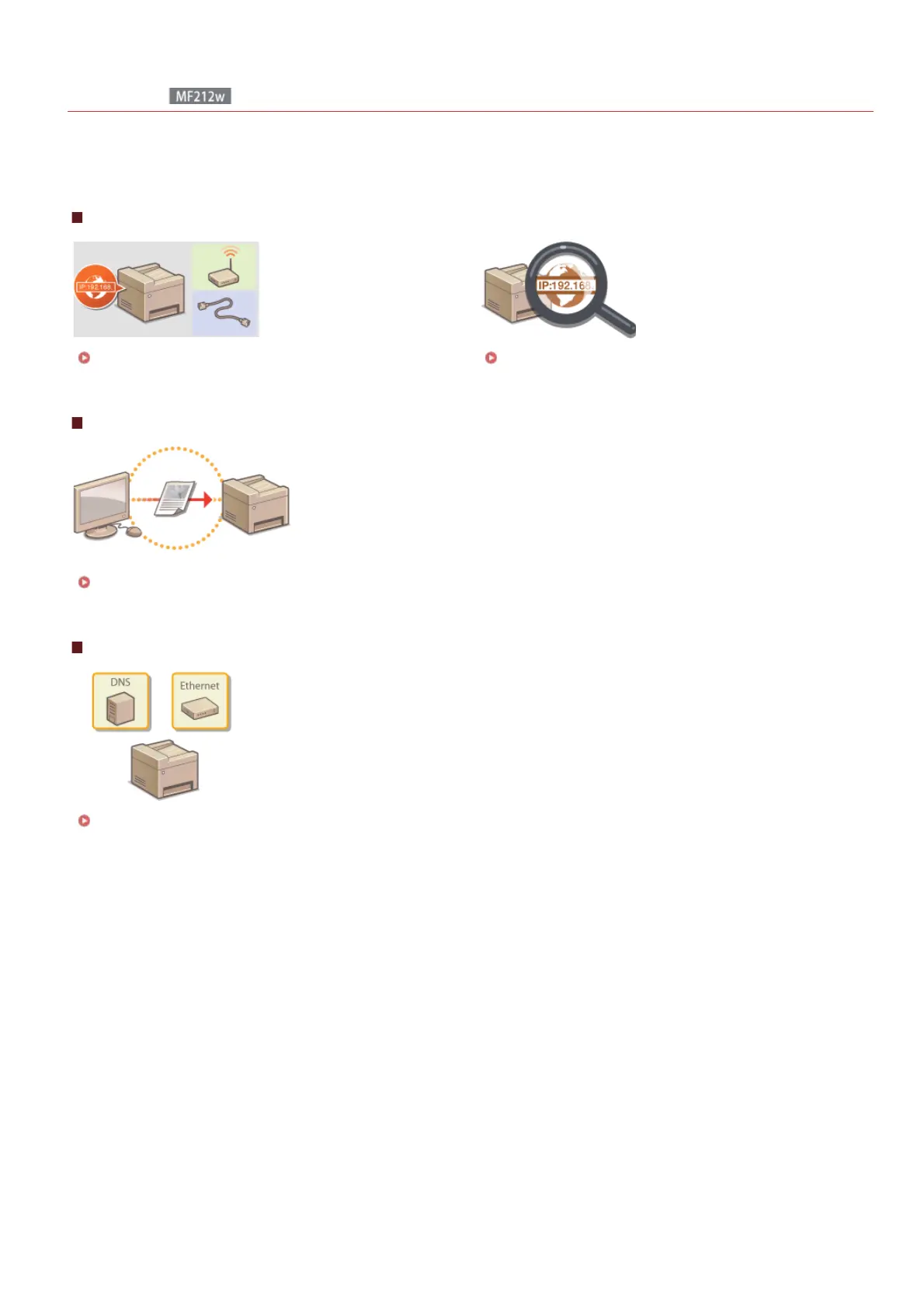
Connecting to a Computer/Viewing the Machine's Network Settings
Connecting to a Network Viewing Network Settings
Configuring or Preparing for Print/Scan Functions
Configuring the Machine for Printing from a Computer
Customizing the Machine for More Convenient Network Experience
Configuring the Machine for Your Network Environment
㻝㻠㻡㻌㻛㻌㻟㻟㻢








 To Next Page