0L40-06J
Disabling HTTP Communication
HTTP is used for communications over the network, such as when you access the machine via the Remote UI. If you are using a USB
connection or are otherwise not using HTTP, you can disable HTTP to block malicious third-party intrusions via the unused HTTP port.
Disabling HTTP disables some of the network capabilities, such as the Remote UI, WSD printing.
Press .
Use / to select <Network Settings>, and press .
If a screen for entering a PIN is displayed, enter the PIN with the numeric keys and press . Setting the System
Manager PIN
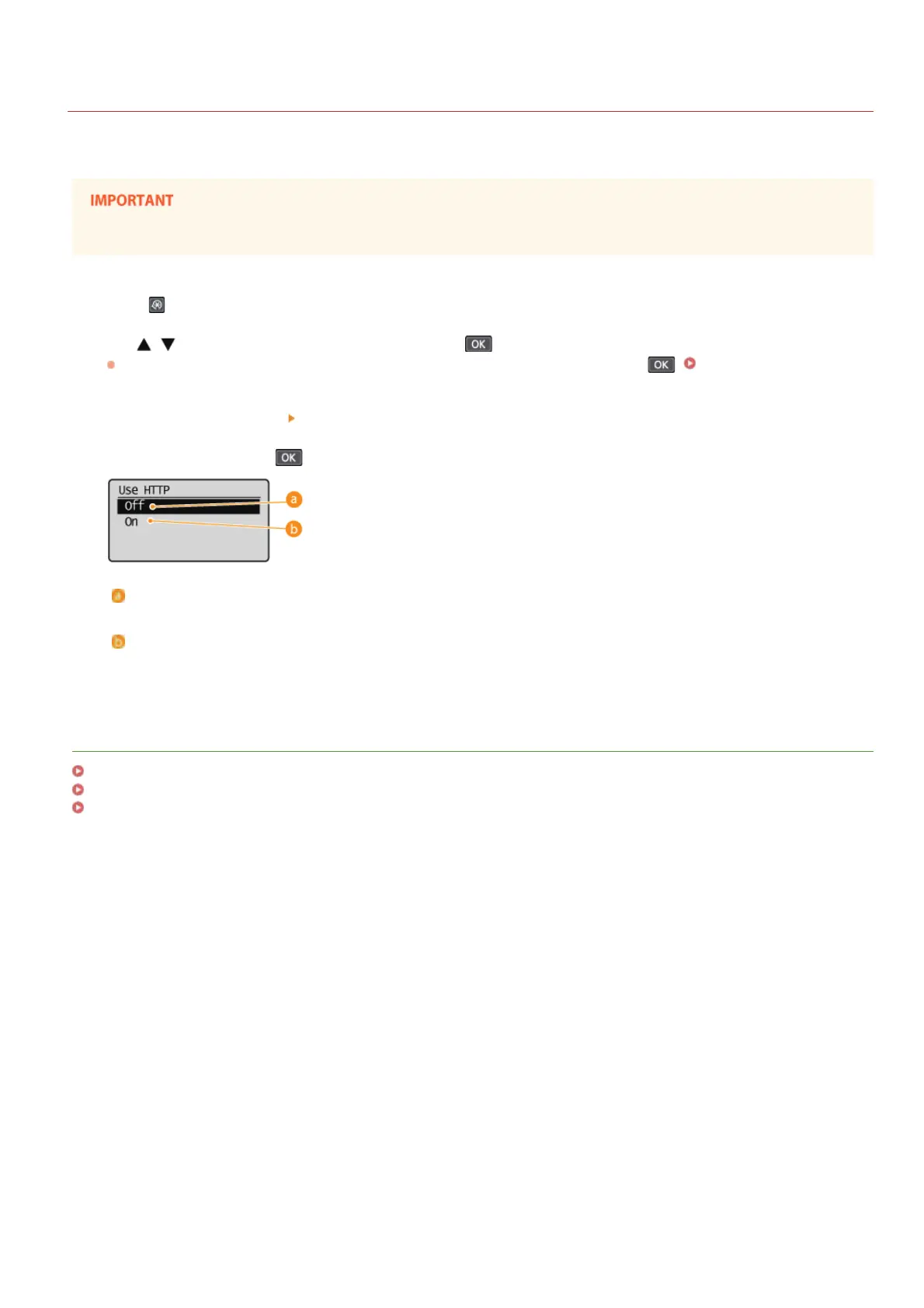
Select <TCP/IP Settings> <Use HTTP>.
Select <Off>, and press .
<Off>
Disables HTTP communication.
<On>
Enables HTTP communication.
LINKS
Using Remote UI (MF212w)
Changing Port Numbers(MF212w)
Configuring Printing Protocols and WSD Functions
1
2
3
4
㻞㻜㻣㻌㻛㻌㻟㻟㻢








 To Next Page