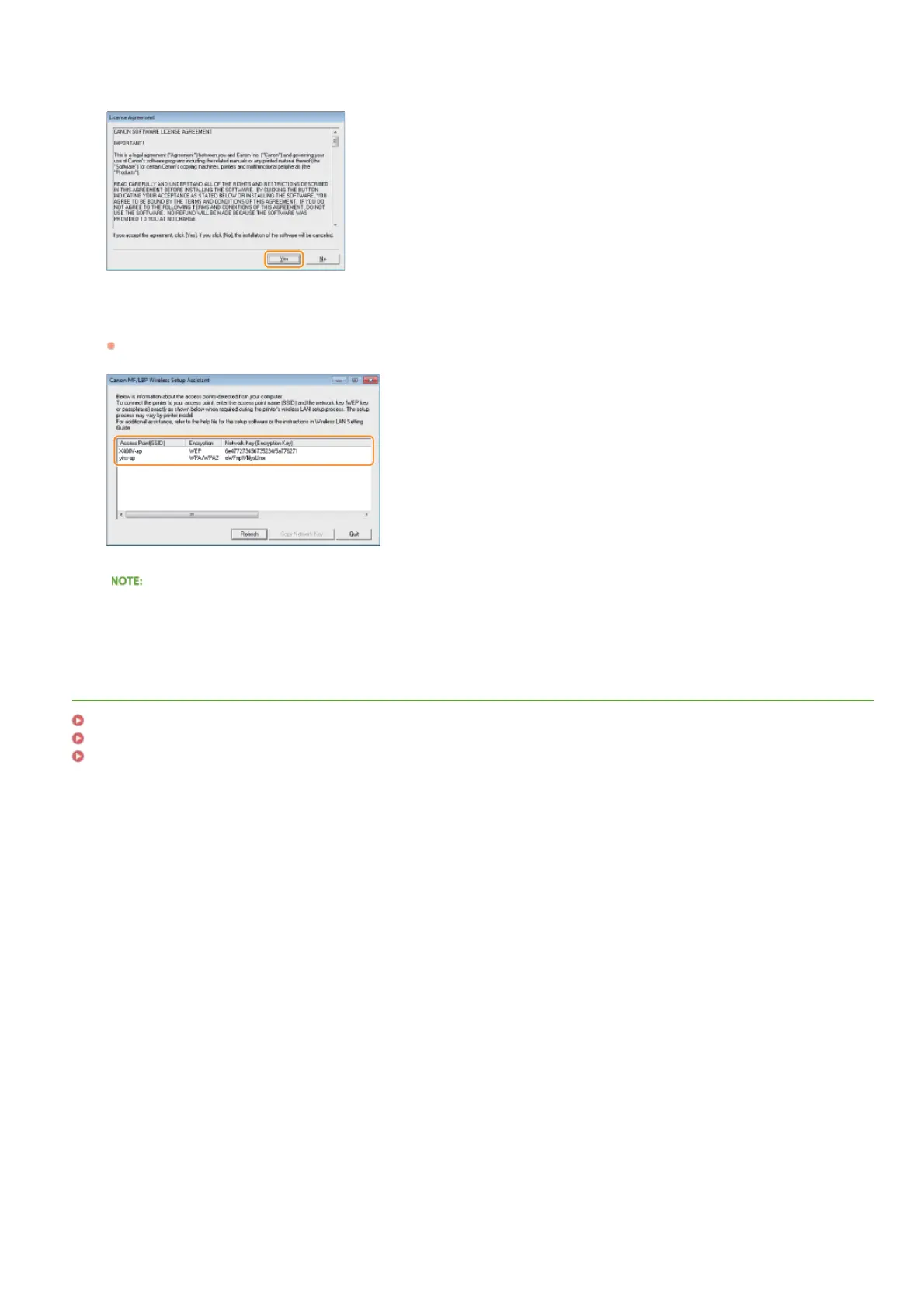
Read the License Agreement and click [Yes] to agree.
Check the information displayed for the wireless router.
Write down the necessary information. If you do not know what information is necessary, write down all the information that is
displayed.
If wireless routers are not found
Click [Refresh]. If nothing happens, check that the settings are correctly configured on the computer and the wireless router.
LINKS
Connecting to a Wireless LAN
Setting Up Connection by Selecting a Wireless Router
Setting Up Connection by Specifying Detailed Settings
4
5
㻝㻢㻞㻌㻛㻌㻟㻟㻢








 To Next Page