2
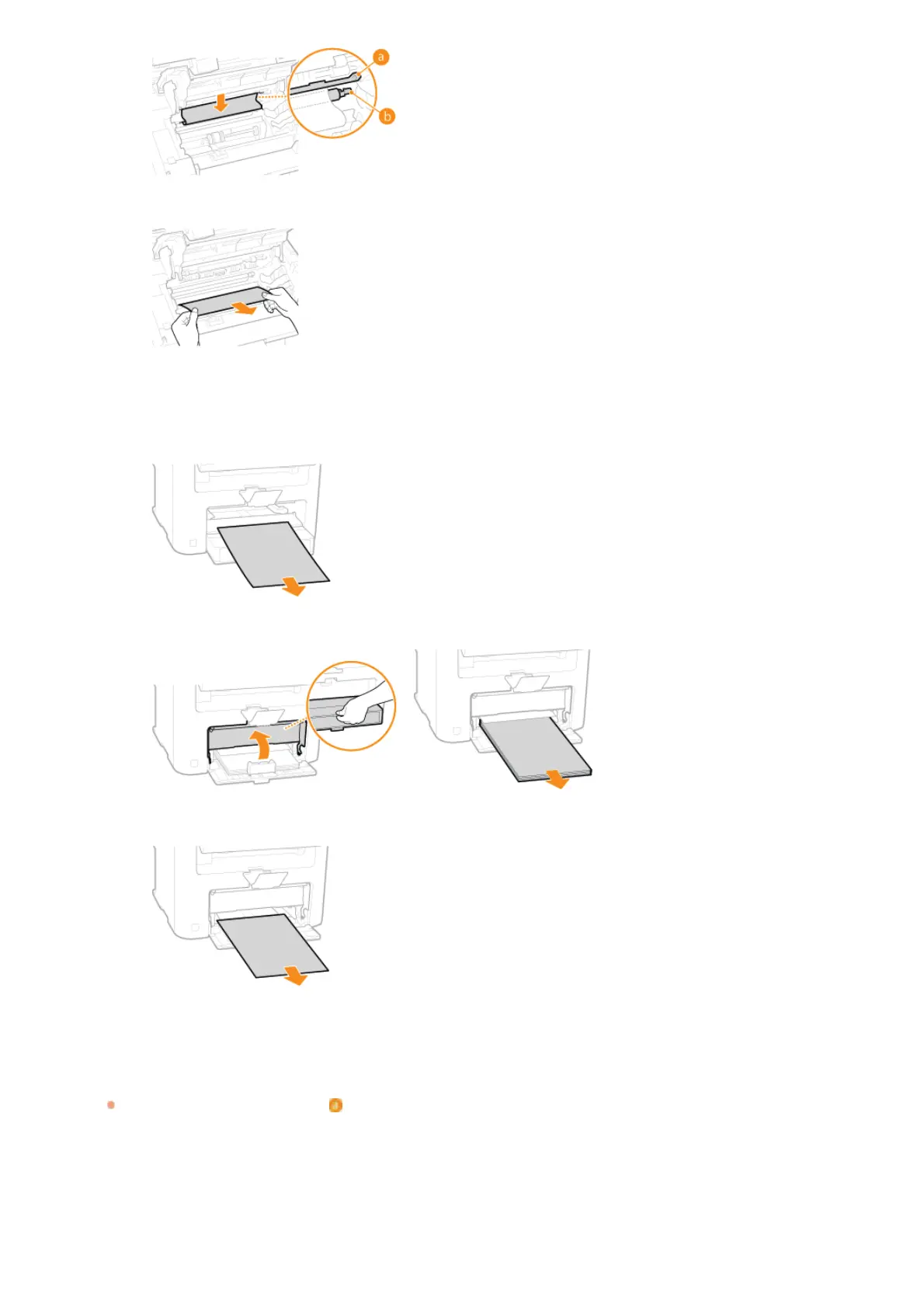
Once the edge of the paper is visible, pull it out slowly.
Check whether paper is jammed in the manual feed slot or paper drawer.
1
Slowly pull out any paper in the manual feed slot.
2
Open the paper cover and remove any loaded paper.
3
Gently pull out the document.
4
Load paper and close the paper cover.
Install the toner cartridge.
Align the right and left projections ( ) with the toner cartridge guides, and push securely all the way in.
5
6
㻞㻡㻠㻌㻛㻌㻟㻟㻢








 To Next Page