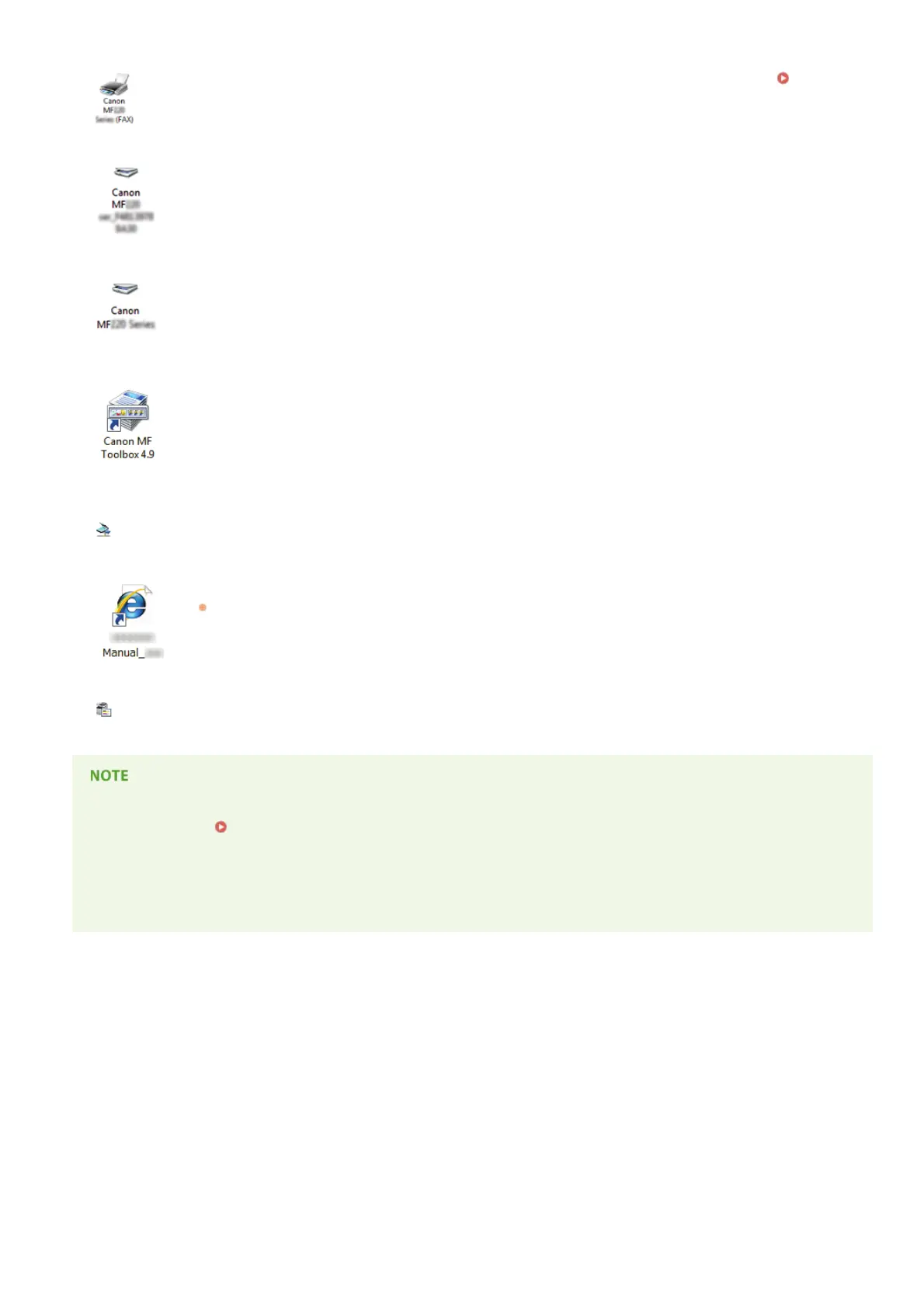
Fax driver
When the fax driver is installed correctly, an icon for the installed fax appears in the printer folder ( Displaying
the Printer Folder).
Scanner driver (network connection)
When the scanner driver is installed correctly, an icon for the installed scanner appears in the [Scanners and
Cameras] or [Scanners and Cameras Properties] folder.
Scanner driver (USB connection)
When the scanner driver is installed correctly, an icon for the installed scanner appears in the [Scanners and
Cameras] or [Scanners and Cameras Properties] folder.
MF Toolbox
When MF Toolbox is installed correctly, an MF Toolbox icon appears on the desktop.
Network Scan
Utility
When Network Scan Utility is installed correctly, a Network Scan Utility icon appears in the taskbar.
e-Manual
When the e-Manual is installed correctly, an e-Manual icon appears on the desktop.
If you install the e-Manual with [Custom Installation], the icon does not appear.
Toner Status
When Toner Status is installed correctly, a Toner Status icon appears in the taskbar.
If the icon is not displayed
Uninstall the drivers ( Uninstalling the MF Drivers) and repeat the setup from the beginning.
Other software
You can install Presto! PageManager with [Custom Installation]. When Presto! PageManager is installed correctly, a Presto!
PageManager icon appears on the desktop.
㻝㻥㻌㻛㻌㻠㻣








 To Next Page