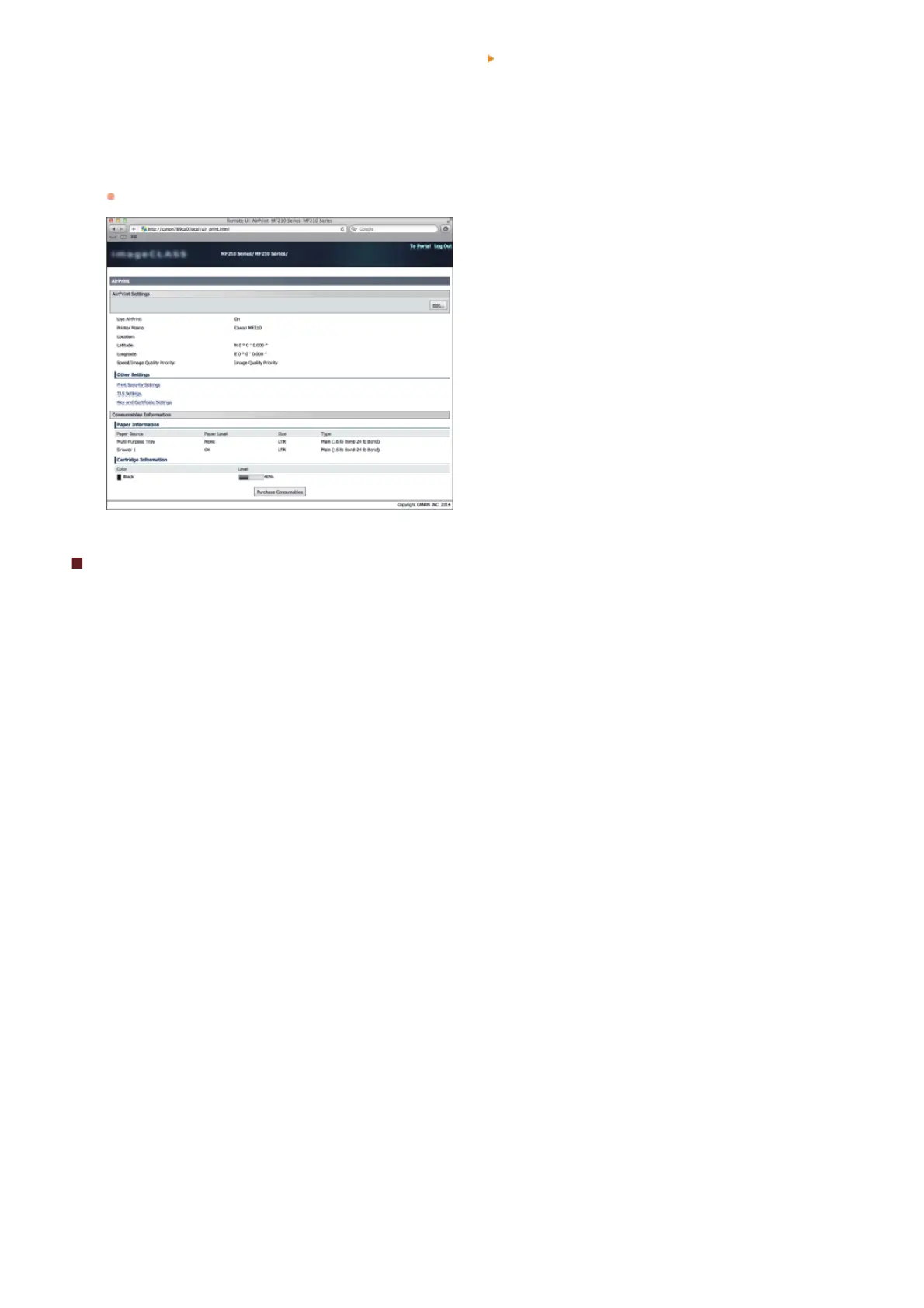
Click [System Preferences] in the Dock on the desktop [Print & Scan].
Select your printer and click [Options & Supplies].
Click [Show Printer Webpage].
Log on to the Remote UI in System Manager Mode.
To check the machine status or supplies, you can also log on in End-User Mode.
Trademarks
Apple, Bonjour, iPad, iPhone, iPod touch, Macintosh, Mac OS, and OS X are trademarks of Apple Inc., registered in the U.S. and other
countries. AirPrint and the AirPrint logo are trademarks of Apple Inc.
1
2
3
4
㻥㻤㻌㻛㻌㻟㻟㻢








 To Next Page