(8) Display area
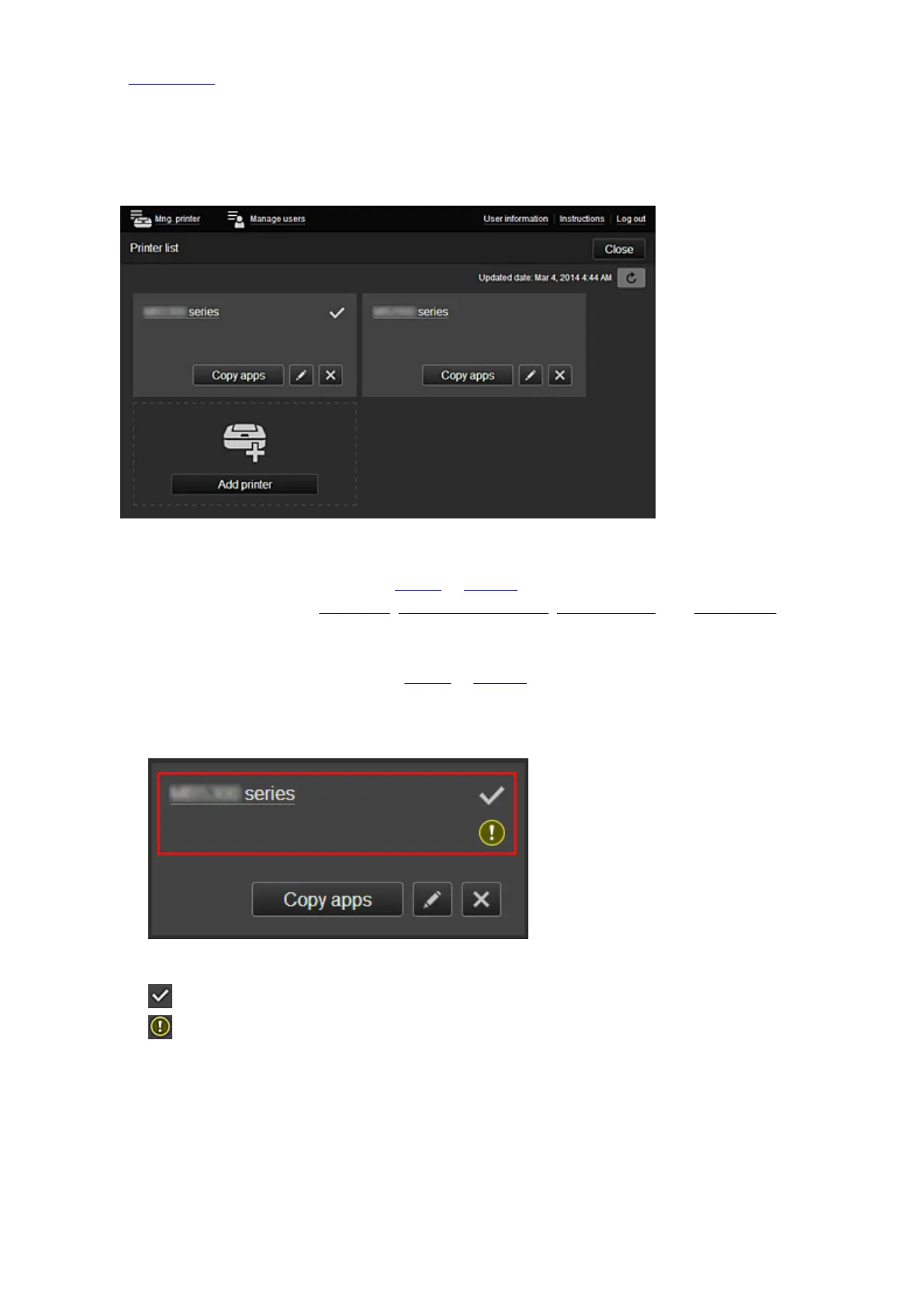
(1) Mng. printer (Select printer) button
When you select the Mng. printer (Select printer) button, the Mng. printer (Select printer) screen
appears.
For the Administrator
From the Mng. printer screen, you can check* or update* printer information registered to the Canon
Inkjet Cloud Printing Center, copy apps, change printer names, delete printers, and add printers.
For the Standard user
From the Select printer screen, you can check* or update* printer information registered to the Canon
Inkjet Cloud Printing Center.
• Check the printer information*
The registered printer name is displayed.
indicates the currently selected printer.
indicates that an error occurred on the printer.
61














 To Next Page