11
Menus and Settings
Settings for shooting, playback modes or printing, or such camera settings
as the date/time and sounds are set using the FUNC., Rec., Play, Print,
Set up, or My Camera menus.
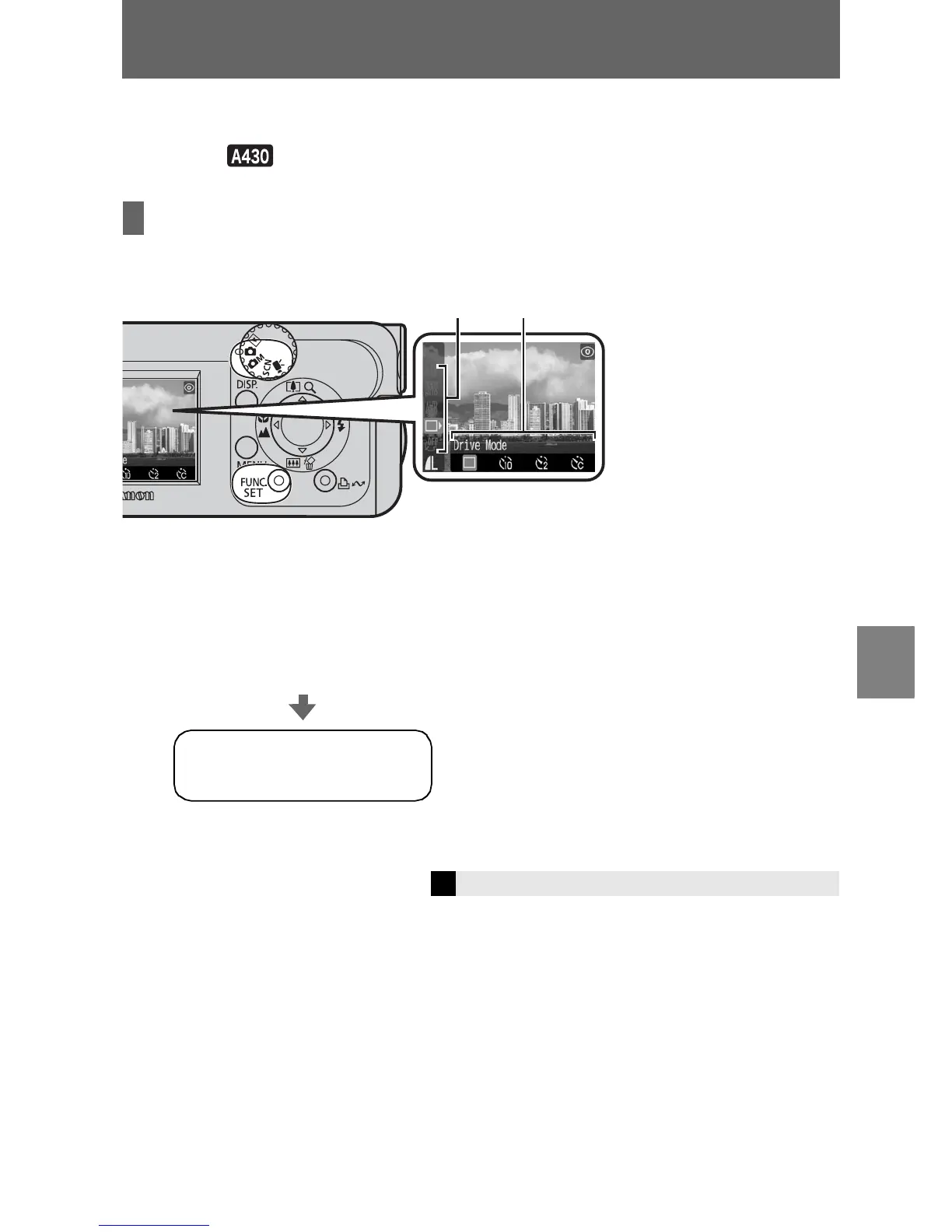
FUNC. Menu
From this menu you can specify self-timer, recording pixels, and other settings for
shooting.
Î
See the Advanced Guide: Menus and Settings (p. 21)
To select an item (a)
Press the S or T button.
To change the setting (b)
Press the W or X button.
When the camera is set to shooting mode,
press the FUNC./SET button.
When you finish making
settings
Press the FUNC./SET button.















 To Next Page