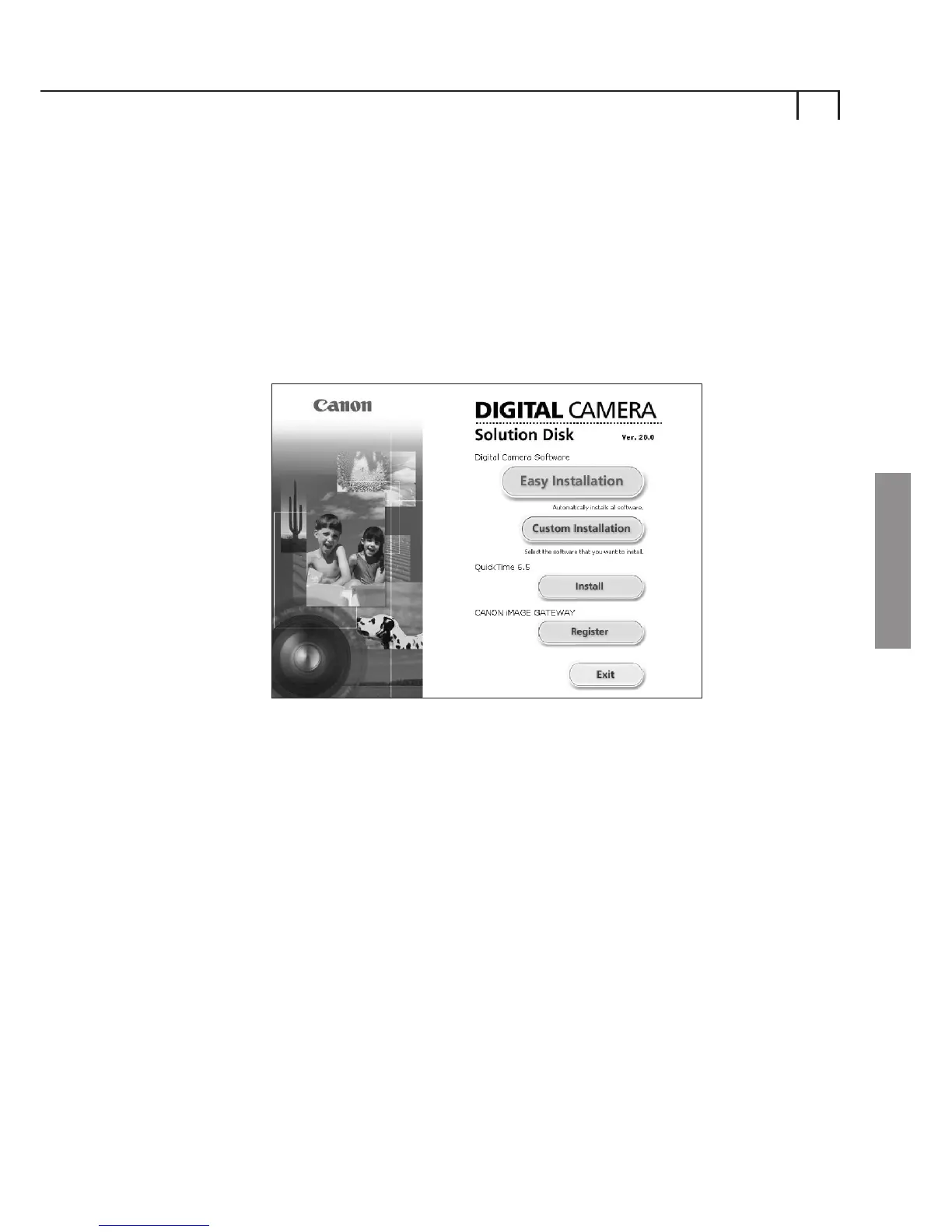
If you do not wish to install the ZoomBrowser EX software
you can choose to simply select Register to open a new
internet browser window with the Country Selection page on
the CANON iMAGE GATEWAY site as shown above (p.3).
After registration, we recommend you to bookmark the
CANON iMAGE GATEWAY site in your Favourites menu of
your web browser, to easily access your CANON iMAGE
GATEWAY account. Please make a note of your username and
password that will be sent to your email account in order for
you to access the site after registration.
Please note, only one account per email address is possible,
however, you can add new products to your existing account
at any time. This can be done by selecting the CANON iMAGE
GATEWAY Register/Change login info in the ZoomBrowser
EX Internet menu or via the CANON iMAGE GATEWAY site.
Note: You must register before you are able to use the CANON
iMAGE GATEWAY site.
Using CANON iMAGE GATEWAY from
your web browser
5
Windows















 To Next Page