Printing
with
the Computer
If
you do not know your administrator name or
password, click
("!),
then follow the on-screen
instructions.
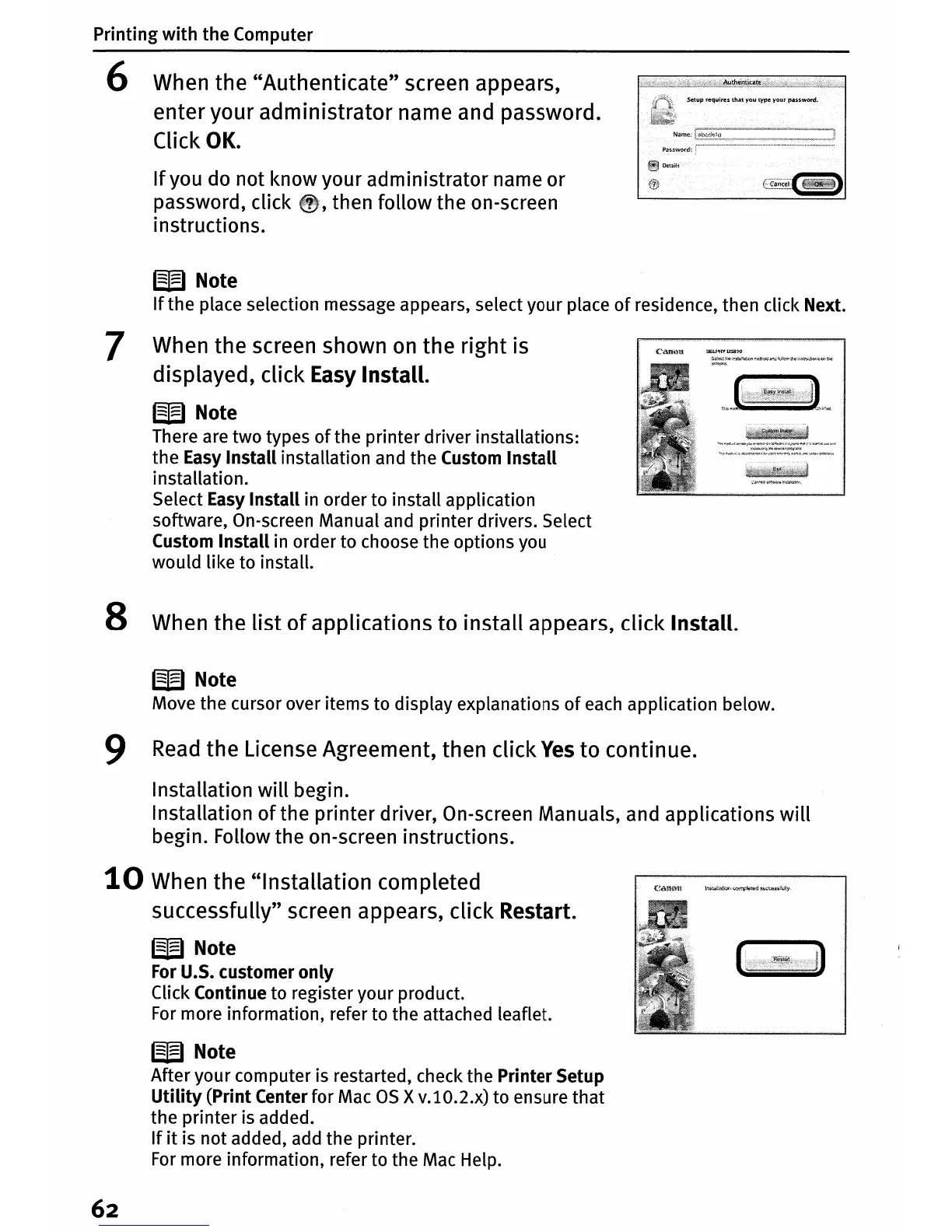
6 When the "Authenticate" screen appears,
enter your administrator name and password.
Click
OK.
W Note
If
the place selection message appears, select your place
of
residence, then click Next.
7 When the screen shown
on
the right is
displayed, click Easy Install.
W Note
There are two types
of
the printer driver installations:
the Easy Install installation and the Custom Install
installation.
Select Easy Install in order to install application
software, On-screen Manual and printer drivers. Select
Custom Install in order to choose the options you
would like to install.
8 When the
list
of
applications to install appears, click Install.
W Note
Move the cursor over items to display explanations
of
each
application below.
9
Read
the License Agreement, then click
Yes
to
continue.
Installation will begin.
Installation
of
the printer driver, On-screen Manuals, and applications
will
begin. Follow the on-screen instructions.
10
When the "Installation completed
successfully" screen appears, click Restart.
W Note
For
U.S. customer only
Click Continue to register your product.
For
more information, refer to the attached leaflet.
W Note
After your computer is restarted, check the Printer Setup
Utility
(Print Center for Mac
as
x
v.l0.2.x)
to ensure that
the printer is added.
If
it
is not added, add the printer.
For
more information, refer to the Mac Help.
62















 To Next Page