Printing Maintenance
low
Ink
Warning Display
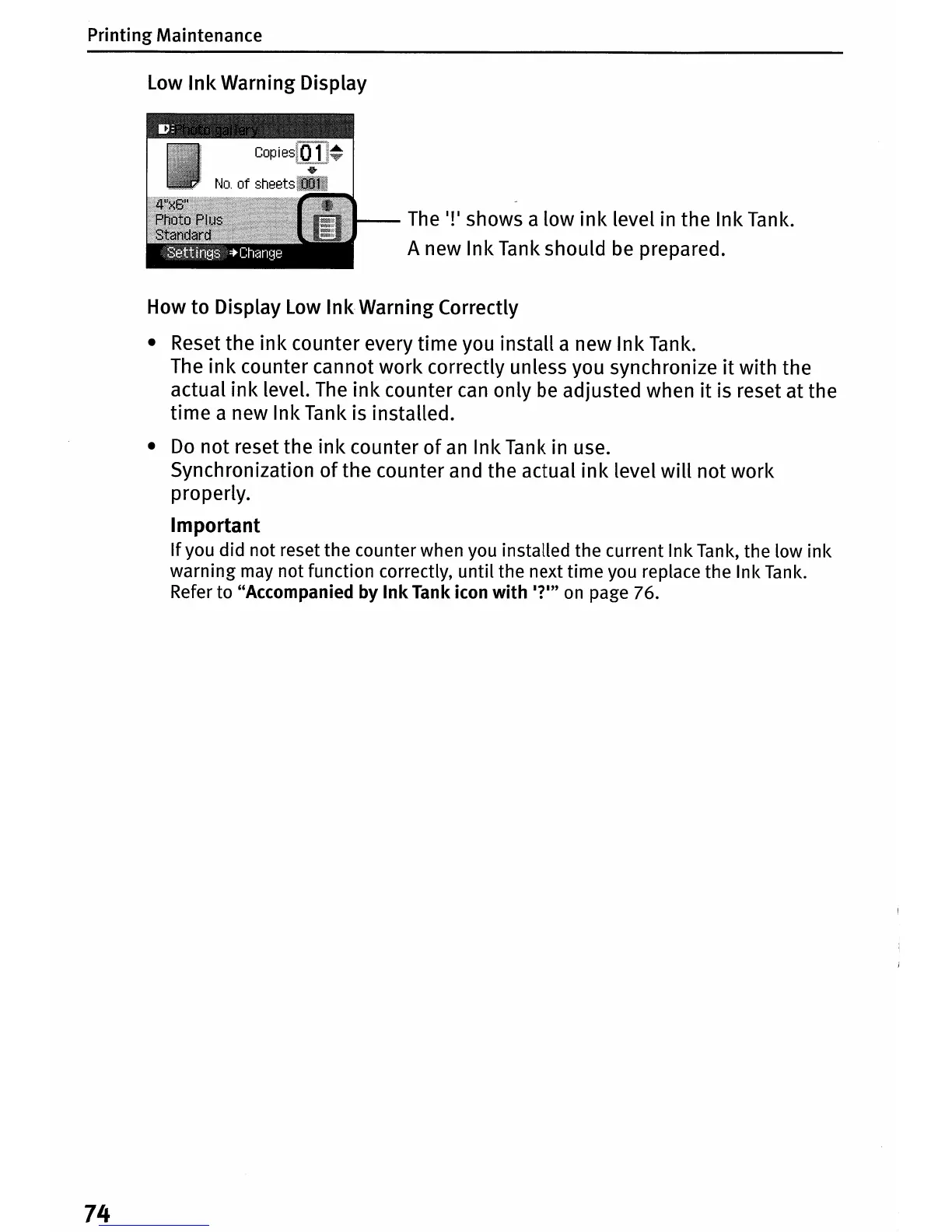
The
I!I
shows a low
ink
level in the Ink
Tank.
A new Ink
Tank
should
be
prepared.
How to Display
low
Ink
Warning Correctly
• Reset the ink counter every time you install a new Ink
Tank.
The
ink
counter cannot work correctly unless you synchronize
it
with the
actual
ink
level.
The
ink
counter
can
only
be
adjusted when
it
is reset at the
time a new Ink Tank is installed.
•
Do
not reset the
ink
counter
of
an
Ink
Tank
in use.
Synchronization
of
the counter and the actual
ink
level
will
not work
properly.
Important
If
you did not reset the counter when you installed the current Ink Tank, the low
ink
warning may not function correctly, until the next time you replace the Ink
Tank.
Refer to "Accompanied by
Ink
Tank icon
with
I?m
on
page 76.
74















 To Next Page