38
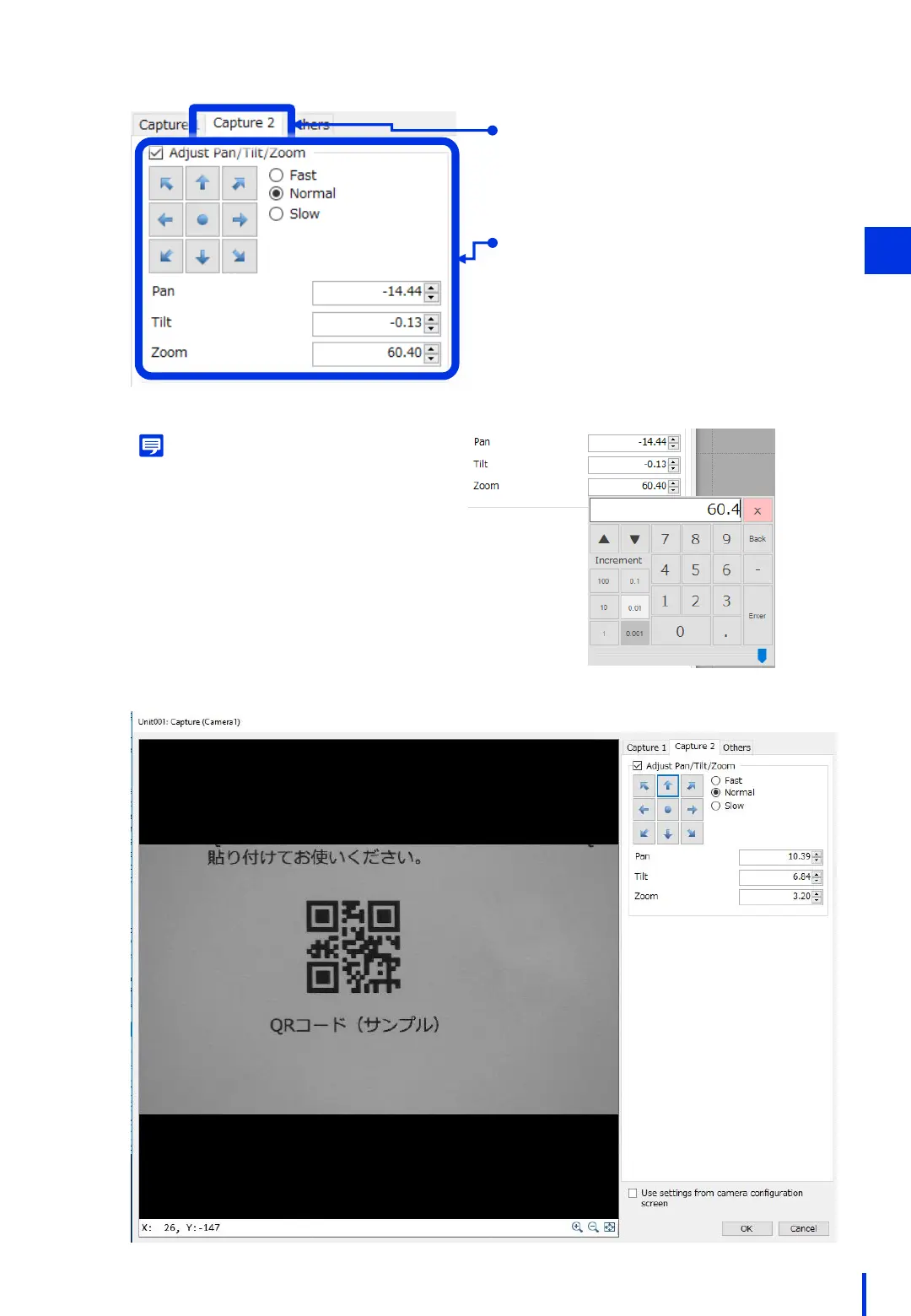
Click the [Capture 2] tab.
Select [Adjust Pan/Tilt/Zoom], and then
adjust the pan, tilt, and zoom so that
the QR code appears in the center of
the screen.
* The image zooms in more with a
smaller zoom value.
3
Memo
Double-click a value to display the window
for entering numbers. You can use the sliders
to make adjustments easier.



 To Next Page