30 • MAKING AND ANSWERING CALLS Customer Service: 888-269-7477
To dial 911 for assistance:
1. Pick up the handset and dial 911 on the keypad.
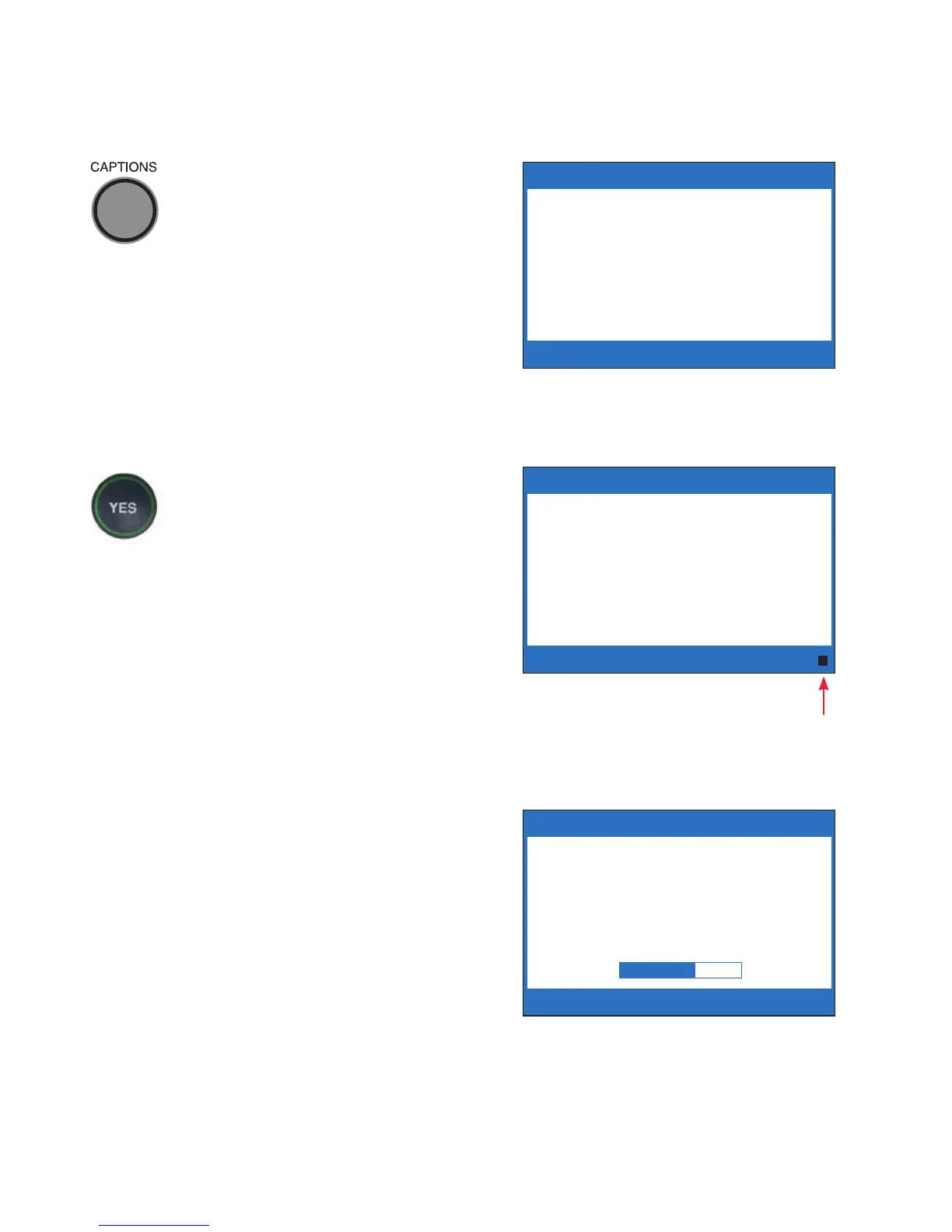
2. The light around the CAPTIONS
button will go off. Watch the
screen for instructions.
3. When the 911 call-taker
answers, you may hear them
or see the Signal Meter flicker.
Talk directly to the 911
call-taker through the
CapTel handset as you
would with any other call.
4. If you need captions from 911,
press the YES button.
This puts your CapTel phone
into VCO (or Voice Carry Over)
mode. VCO allows you to speak
directly to the 911 call-taker
and read their typed
instructions.
5. Your CapTel phone sends a
text message that tells 911
personnel that you need
captions.
** CAPTIONS ARE OFF **
Dialing
911
Dialing 911 Directly
** CAPTIONS ARE OFF **
Dialing
911
If you need captions
from 911 press YES
911 is Ringing
Signal
Meter
Sending Captioning
Instructions to 911
PLEASE WAIT



 To Next Page