Customer Service: 888-269-7477 MAKING AND ANSWERING CALLS • 31
6. 911 messages will appear on
your CapTel display screen.
Answer directly by talking into
the CapTel handset. The 911
call-taker will be able to hear
everything you say, and then
will type messages back for
you to read.
While the 911 call taker is
typing, they will not be able to
hear you (and you will not hear
them) until they have finished
typing. The CapTel display
screen says “DO NOT TALK” to
remind you while the call-taker
is typing. You will see their
instructions on your CapTel
display screen.
NOTE: The 911 call-taker may
type “GA” or “Go Ahead” to let
you know when it is your turn
to talk. “Q” means the 911
call-taker is asking a Question.
7. After you hang up, your CapTel
phone will stay in VCO mode
in case 911 needs to call
you back.
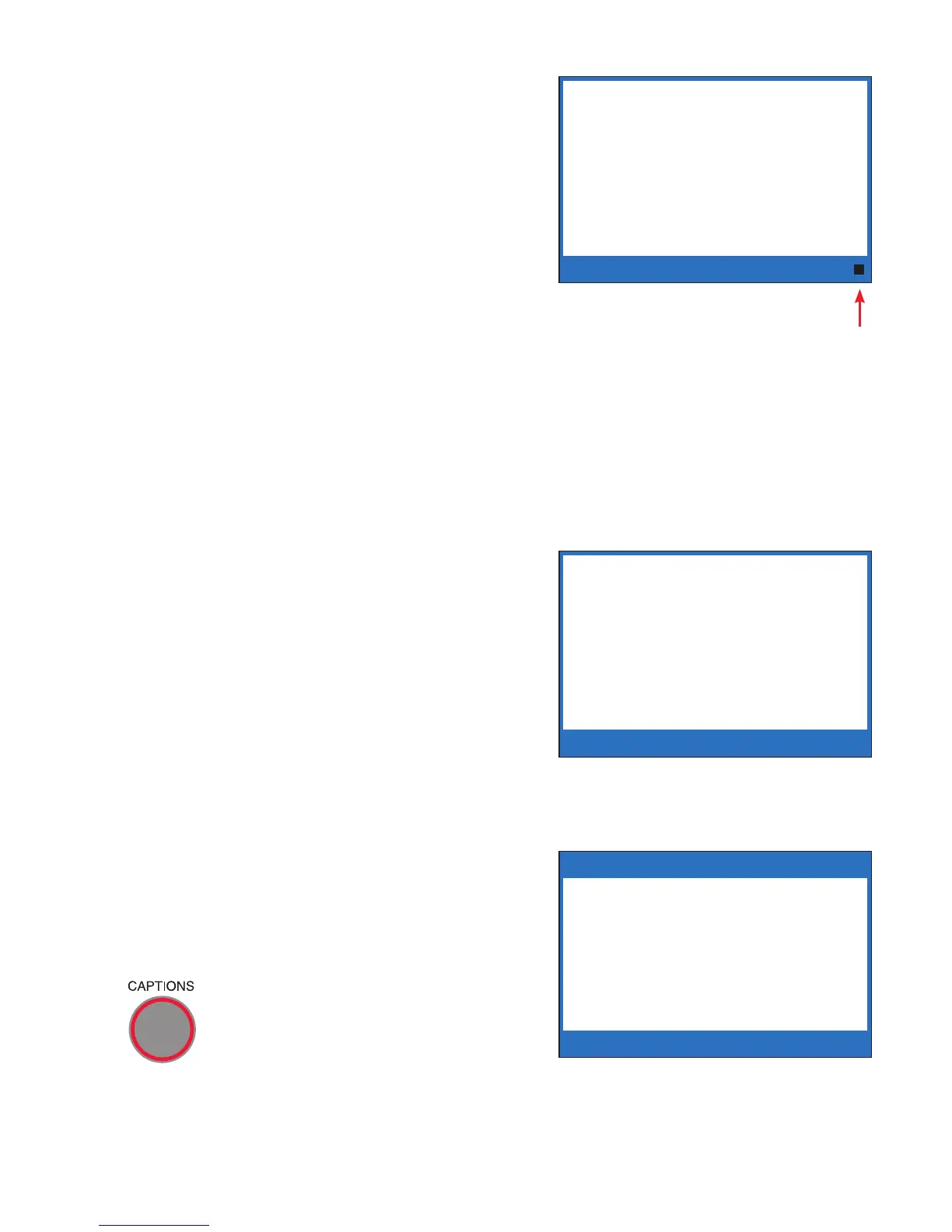
8. To turn off VCO mode, press
the CAPTIONS button. The
light around the CAPTIONS
button will go on.
******** 5/14 11:16 AM ********
911 HERE WHAT IS YOUR
EMERGENCY Q GA
** DO NOT TALK **
Signal
Meter
******** 5/14 11:16 AM ********
911 HERE WHAT IS YOUR
EMERGENCY Q GA
STAY CALM WE WILL
SEND HELP IMMEDIATELY
GA
** OKAY TO TALK **
** VCO Mode On **
To return to Caption Mode
press CAPTIONS key.
Press YES for Options



 To Next Page