Phone Basics
Page 28
Phone Basics
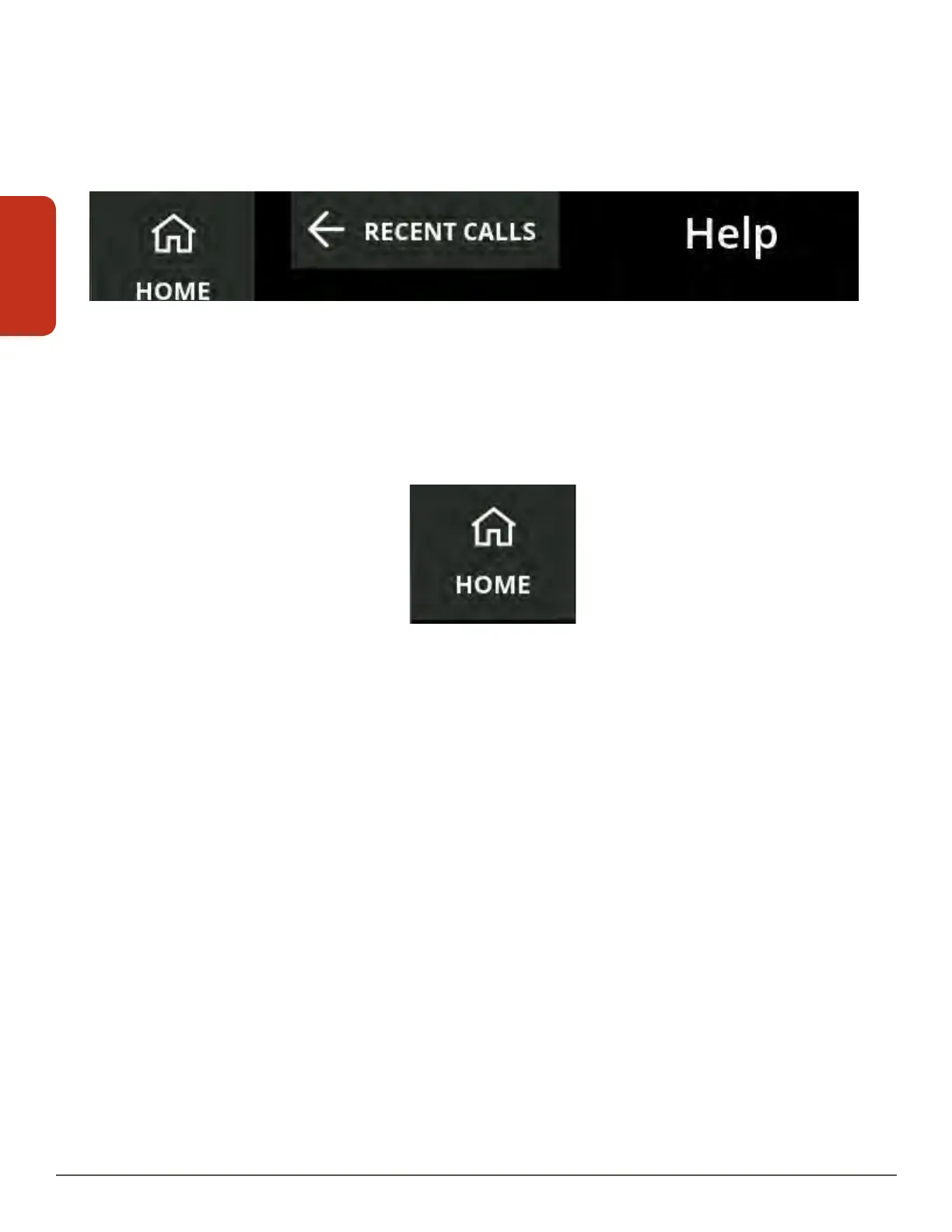
Back Button
The Back button will display at the top of screens that are part of an overall function (like
Phonebook, Help or Settings). The button displays an arrow pointing to the left and the
name of the screen you were on previously.
Touch the Back button to return to the previous screen.
Home Button
The Home button displays in the top left of all the screens, with the exception of the
RecentCalls screen.
Touch the Home button to return to the Recent Calls screen.



 To Next Page