The Fine Print
Page 78
Bluetooth
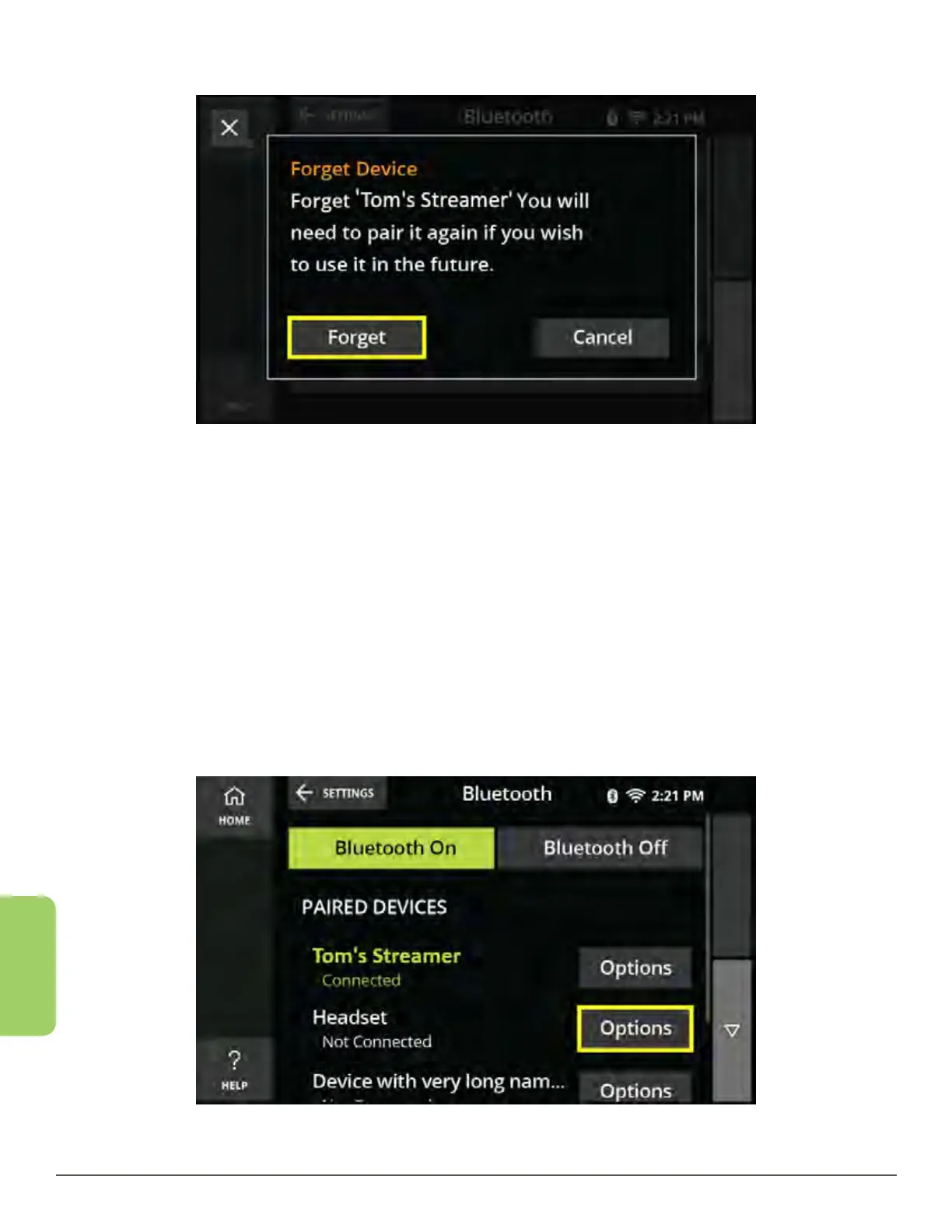
6. Touch the Forget button.
7. The device will now be removed from your Paired Devices list.
Connect to an Already Paired Device
Connecting to already paired devices makes it easy to navigate between two or
more Bluetooth compatible devices that you may have paired with the CaptionCall
phone.
1. From the Recent Calls screen, touch the Settings button in the lower left corner.
2. Touch the Bluetooth button. The Bluetooth home screen is displayed.
3. Touch the Options button next to the device you wish to connect.



 To Next Page