The Fine Print
Page 72
Bluetooth
Pair With a New Device:
Pairing a new device enables you to add a Bluetooth device to the CaptionCall
device list. Make sure you are familiar with the Bluetooth compatible device before
trying to pair it to the CaptionCall phone and that the device is turned on and in
discovery mode. It may take a minute for the CaptionCall phone to connect to
the Bluetooth device. If you are having trouble finding your device, proceed to the
Bluetooth troubleshooting section.
To pair a new device, follow these steps:
1. From the Recent Calls screen, touch the Settings button in the lower left corner.
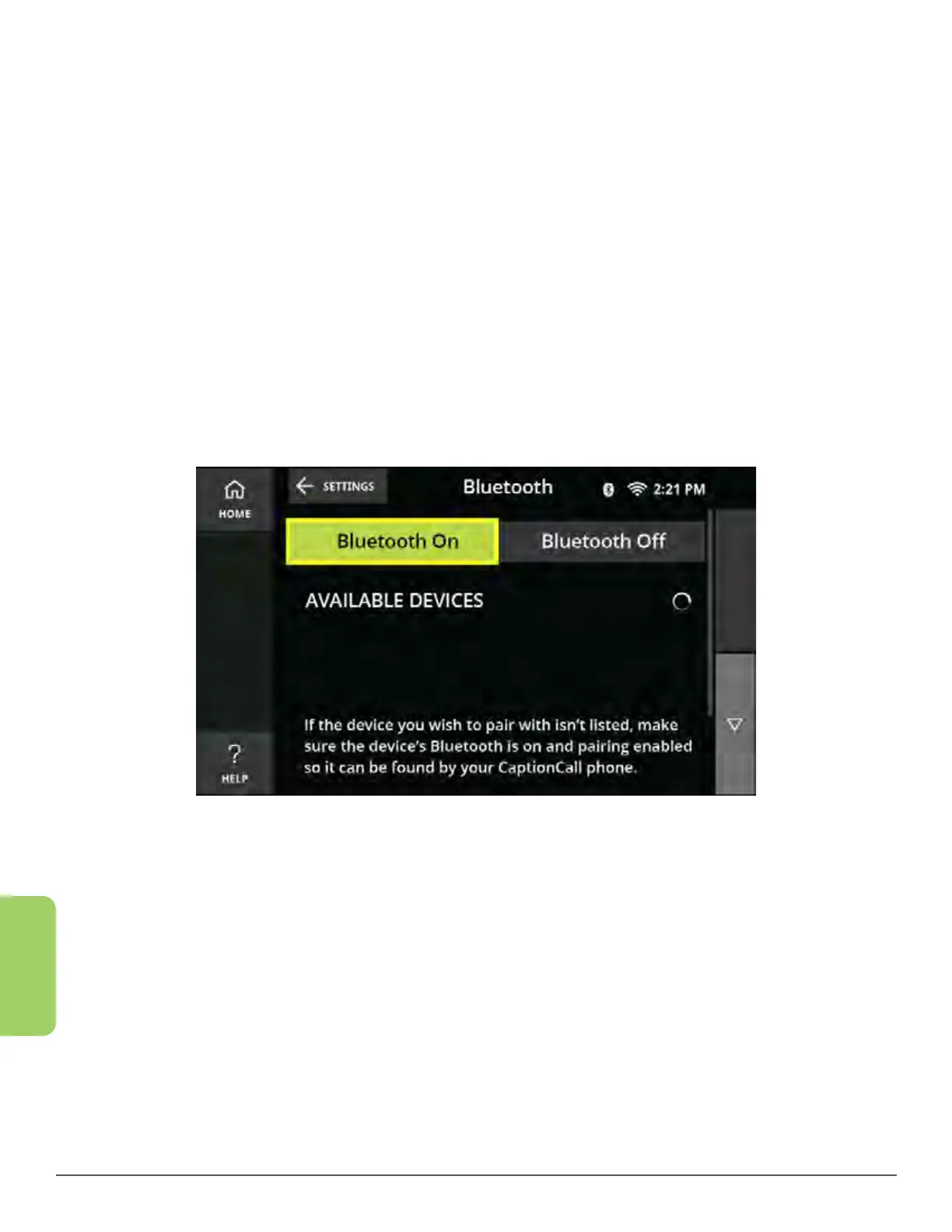
2. Touch the Bluetooth button. The Bluetooth home screen is displayed.
3. Once your Bluetooth On button is enabled the CaptionCall phone will begin to
discover Bluetooth devices.
4. Wait for the name of the device you are trying to connect to appear in the list.



 To Next Page