Settings
Page 92
Settings
Network
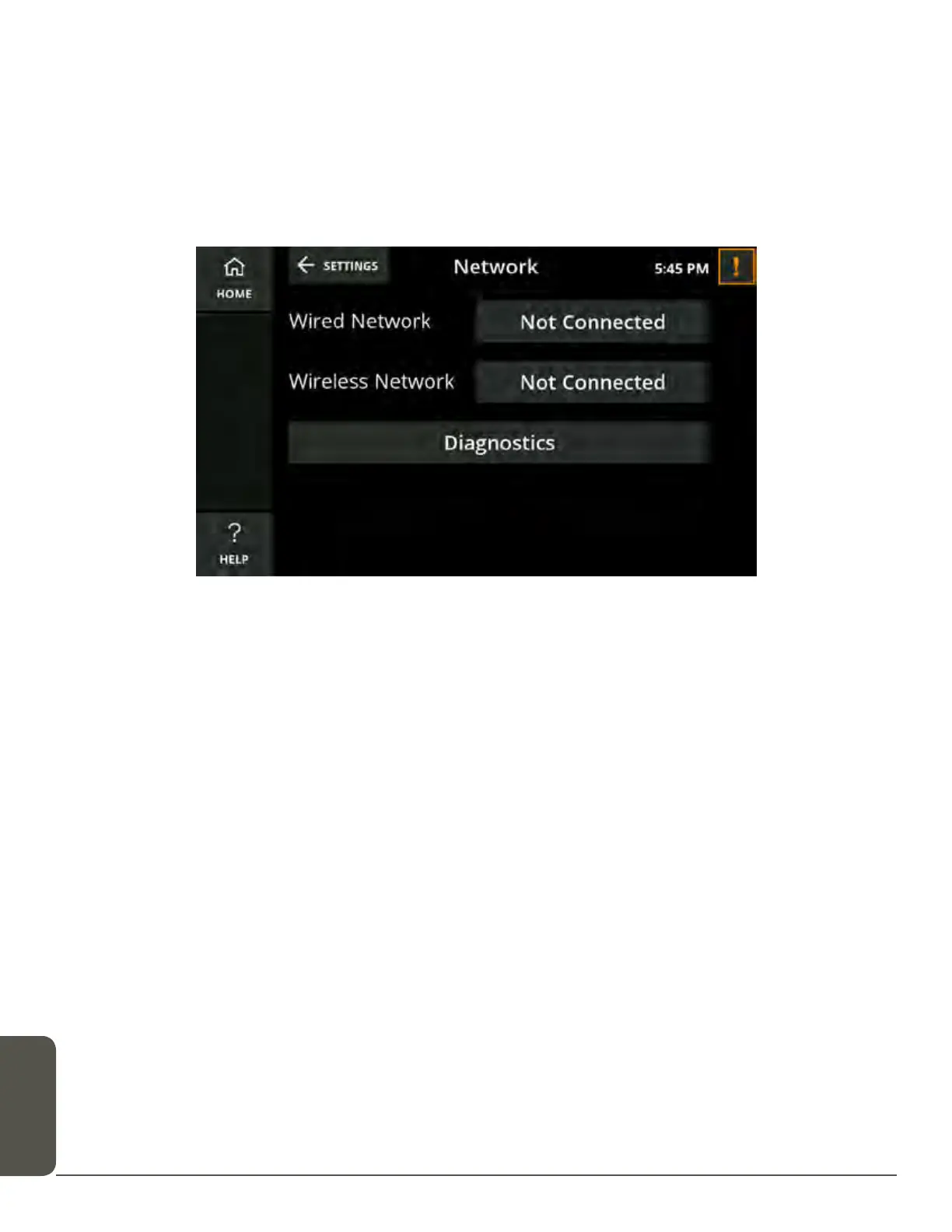
The Network settings screen displays the connection status of your CaptionCall
phone to your wired and/or wireless network.
To check/adjust/update Network settings:
1. Touch Network in the Settings menu. The current network settings display.
2. Look at the text in the button next to both Wired Network and Wireless Network.
If either is offline, the button will read Not Connected.
3. If needed, touch the button for either network type to configure the network
settings.
WARNING
You should not change any wired or wireless network settings unless you have the
technical knowledge required to do so. Changing any wired or wireless network
settings may prevent your CaptionCall phone from working properly.



 To Next Page