Customer Support 1-877-557-2227
Page 91
Settings
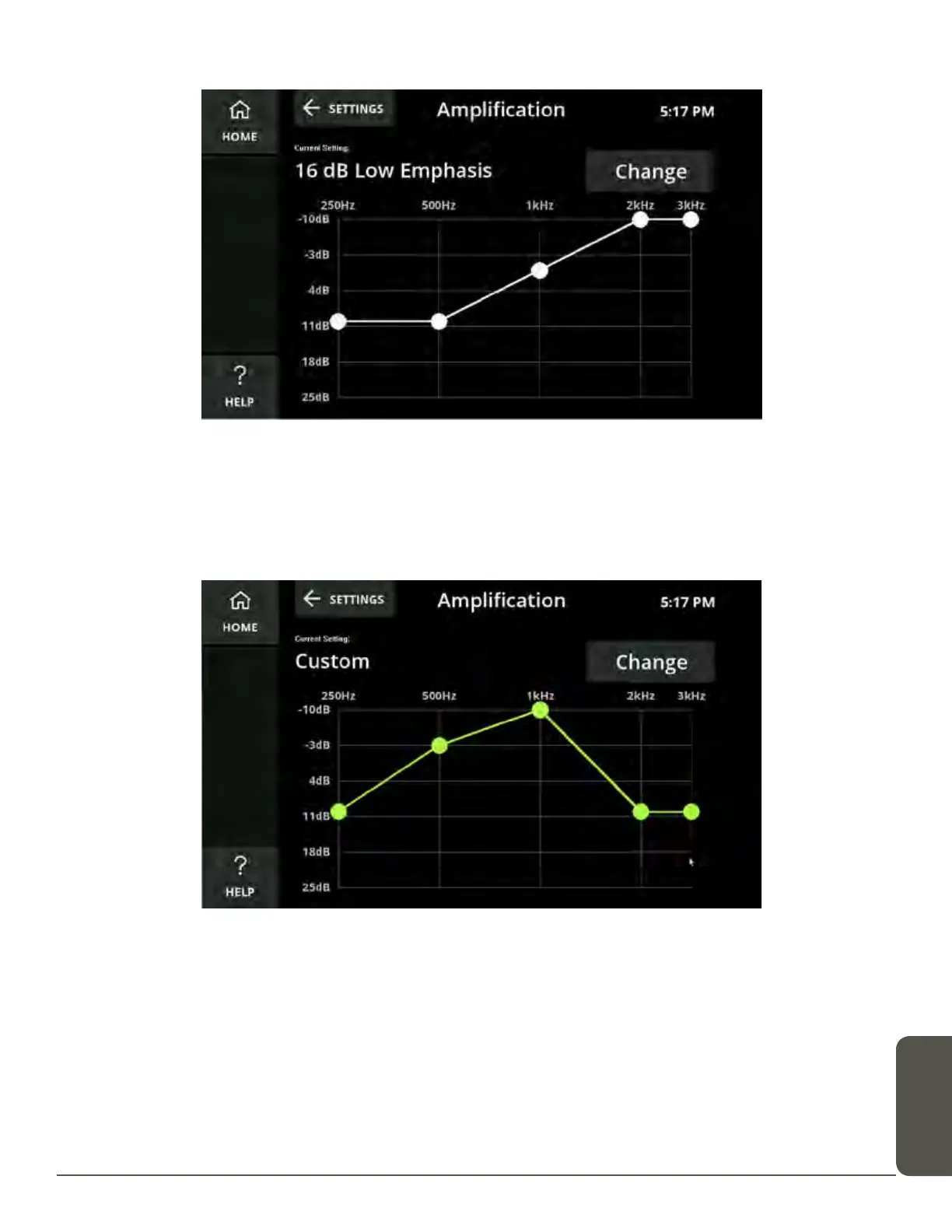
Select one of the options from the menu to view its audiogram.
You can also select Custom and, using the touchscreen, drag the amplification to
the levels that you prefer.
The custom option will remain as you set it until it is changed or switched to one of
the preset levels.



 To Next Page