Customer Support 1-877-557-2227
Page 41
Phonebook
Add a Contact
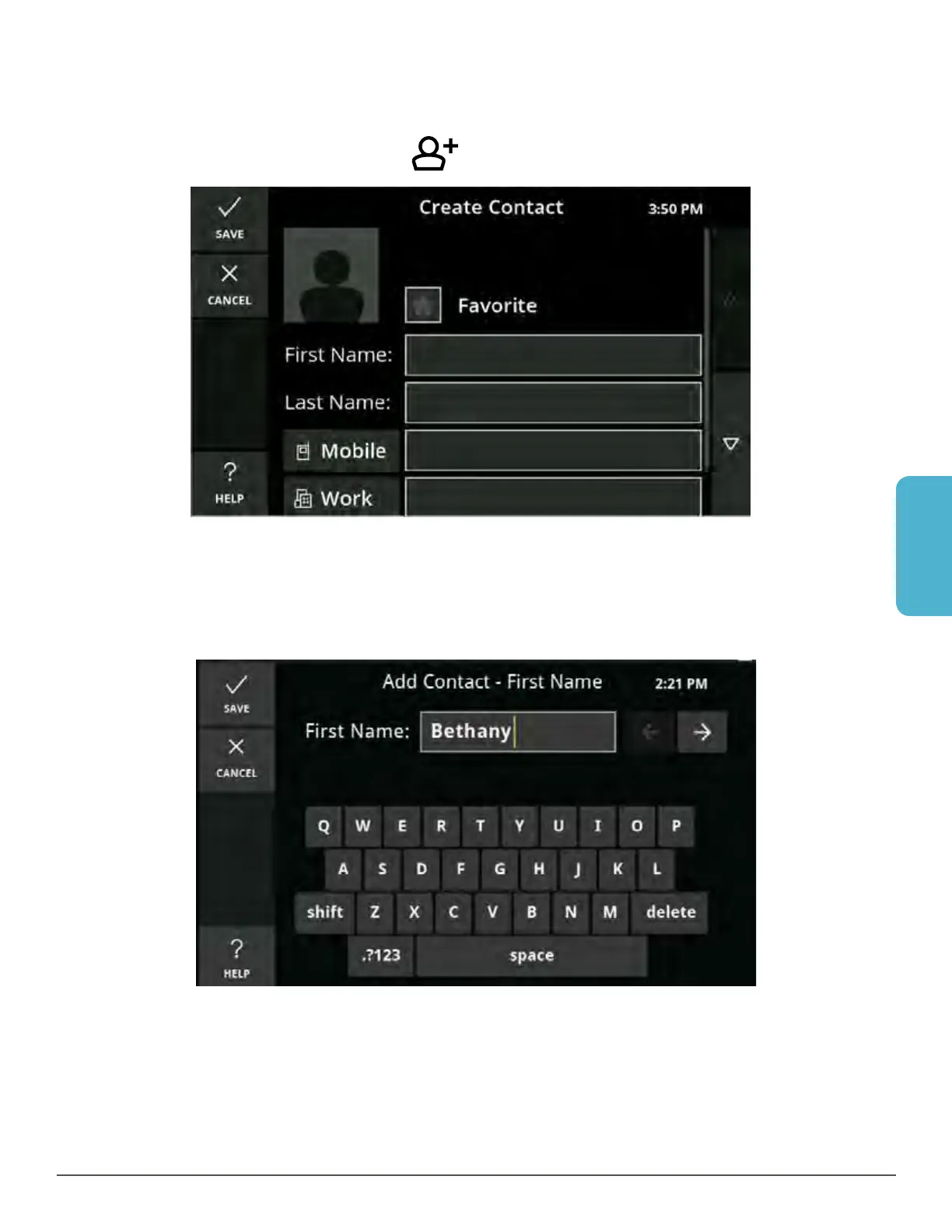
1. Touch the Phonebook button. The Phonebook is displayed.
2. Touch the Add Contact button
. The Create Contact screen is displayed.
3. Touch the First Name field on the screen to view the keyboard and type in the
first name; touch Save to return to the Create Contact screen, or touch the arrow
to move to the Last Name field. After entering the last name, touch Save to return
to the Create Contact screen, or touch the arrow to move to the Number field.



 To Next Page