Saved Calls
Page 56
Saved Calls
Helpful Hints
• Your saved conversations remain available until you delete them
• While the Saved Call is open, touch the Delete button to delete the current
conversation
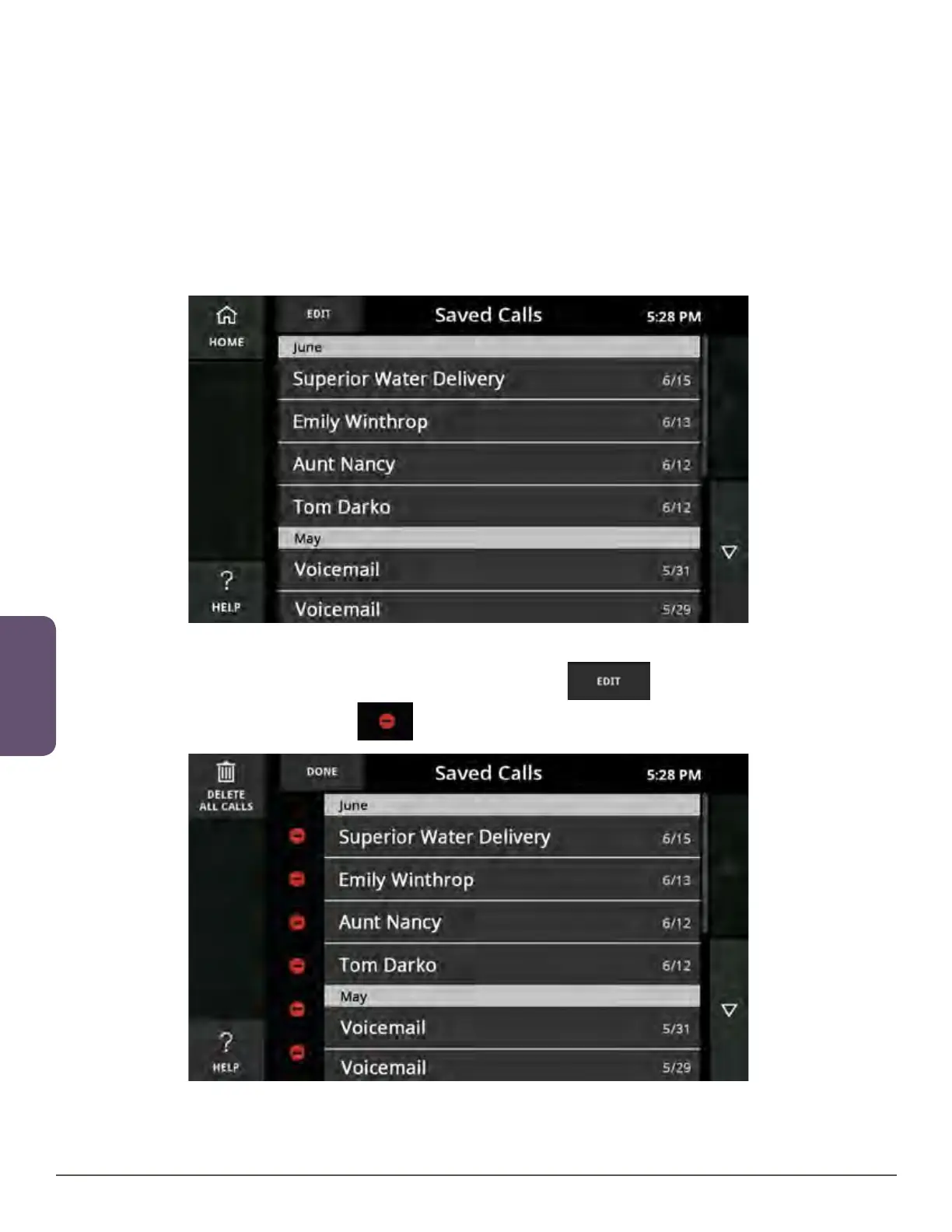
Edit the Saved Call List
Saved Calls can be deleted individually or all at once from the Saved Calls screen.
To delete individual calls:
1. Touch the Edit button near the upper left corner.
2. Touch the red delete icon next to an individual entry.



 To Next Page