Recent Calls
Page 36
Recent Calls
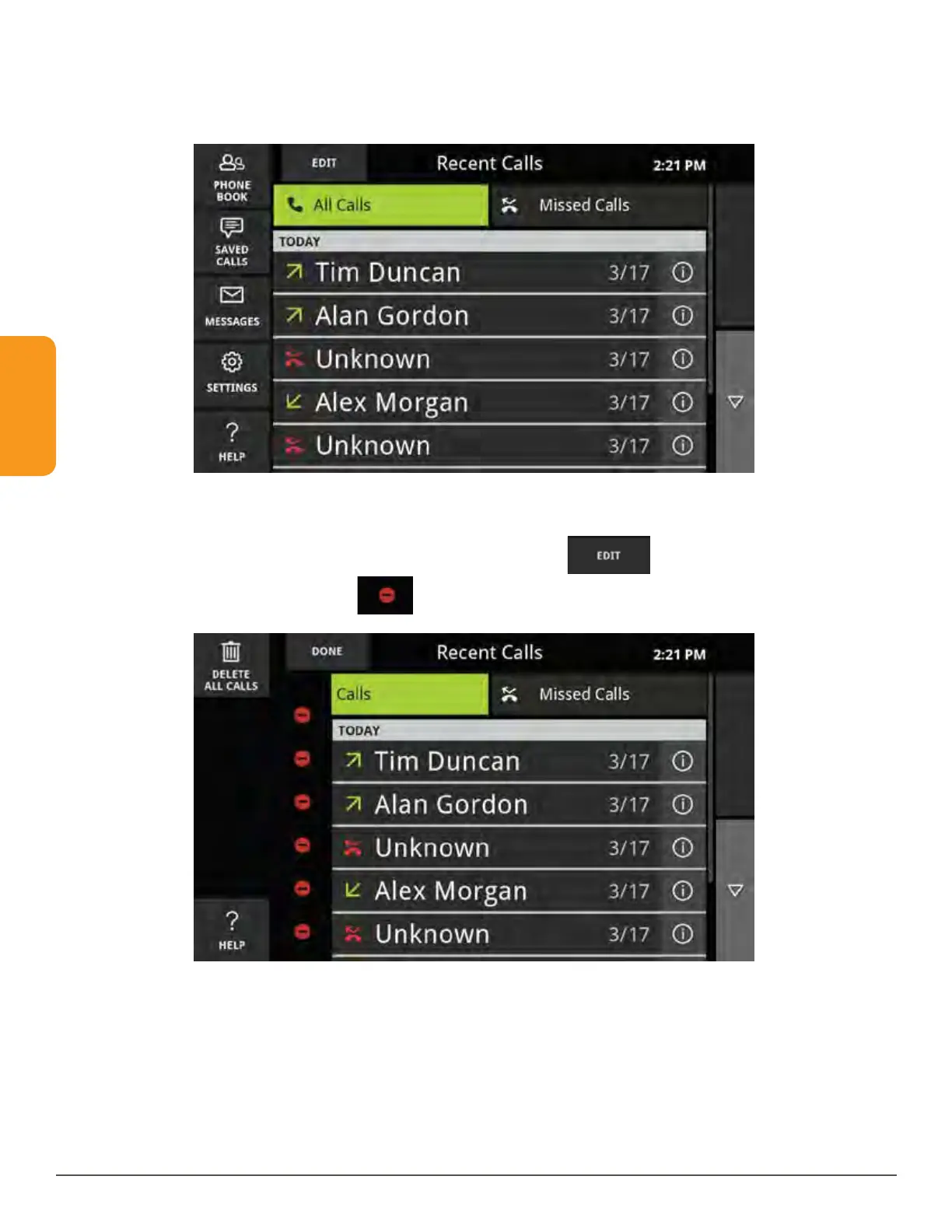
Edit the Recent Call List
Recent Calls can be deleted individually or all at once from the Recent Calls screen.
To delete individual calls:
1. Touch the Edit button near the upper left corner.
2. Touch the red delete icon
next to an individual entry.



 To Next Page