Phonebook
Page 44
Phonebook
Create a Favorites List
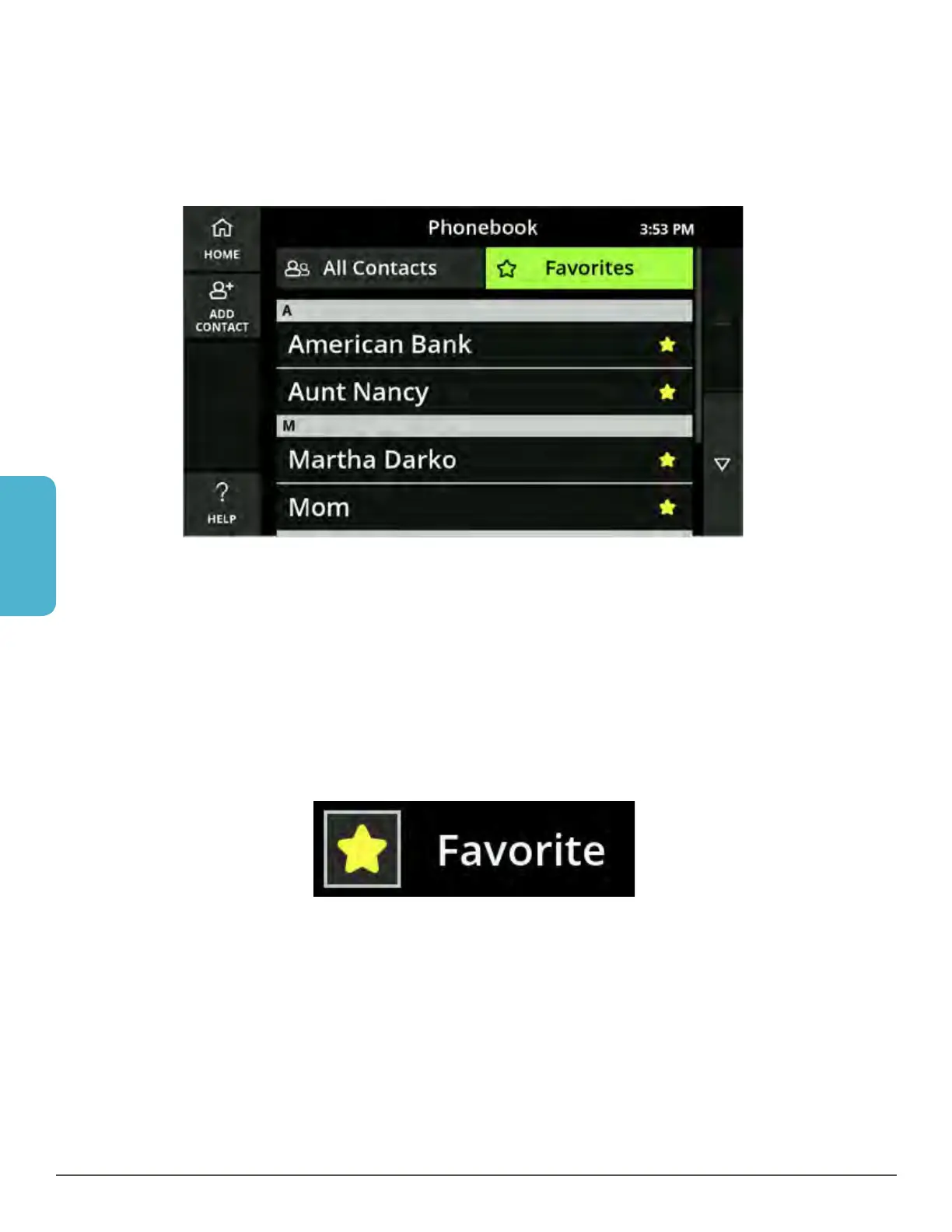
Your Favorites list allows you to select frequent contacts for quick access.
To see your Favorites list, touch the Favorites button at the top right of the
Phonebook screen.
To add a contact to Favorites:
1. Open the Phonebook and select the contact you want to add to Favorites. Touch
the contact so the Contact Detail screen is displayed.
2. Touch the Edit button on the left. The Edit Contact screen is displayed.
3. Touch the Star on the right side of a contact to add that contact to your
Favorites. The star will change to a yellow color to indicate the contact has been
added to Favorites.



 To Next Page