Customer Support 1-877-557-2227
Page 65
Messages
Important things to note:
If someone calls while you are already in a call using the CaptionCall phone or
listening to a message on the CaptionCall phone, the caller will not be able to leave a
message. Some people prefer to leave their provider voicemail as a backup method
for this scenario.
Choose Provider Voicemail as YourDefault
To use your provider voicemail with CaptionCall, follow these steps:
1. On your CaptionCall phone, visit the Voice Messages settings by selecting
Settings and scrolling down to Voice Messages near the bottom of the screen.
2. Touch Provider Voicemail.
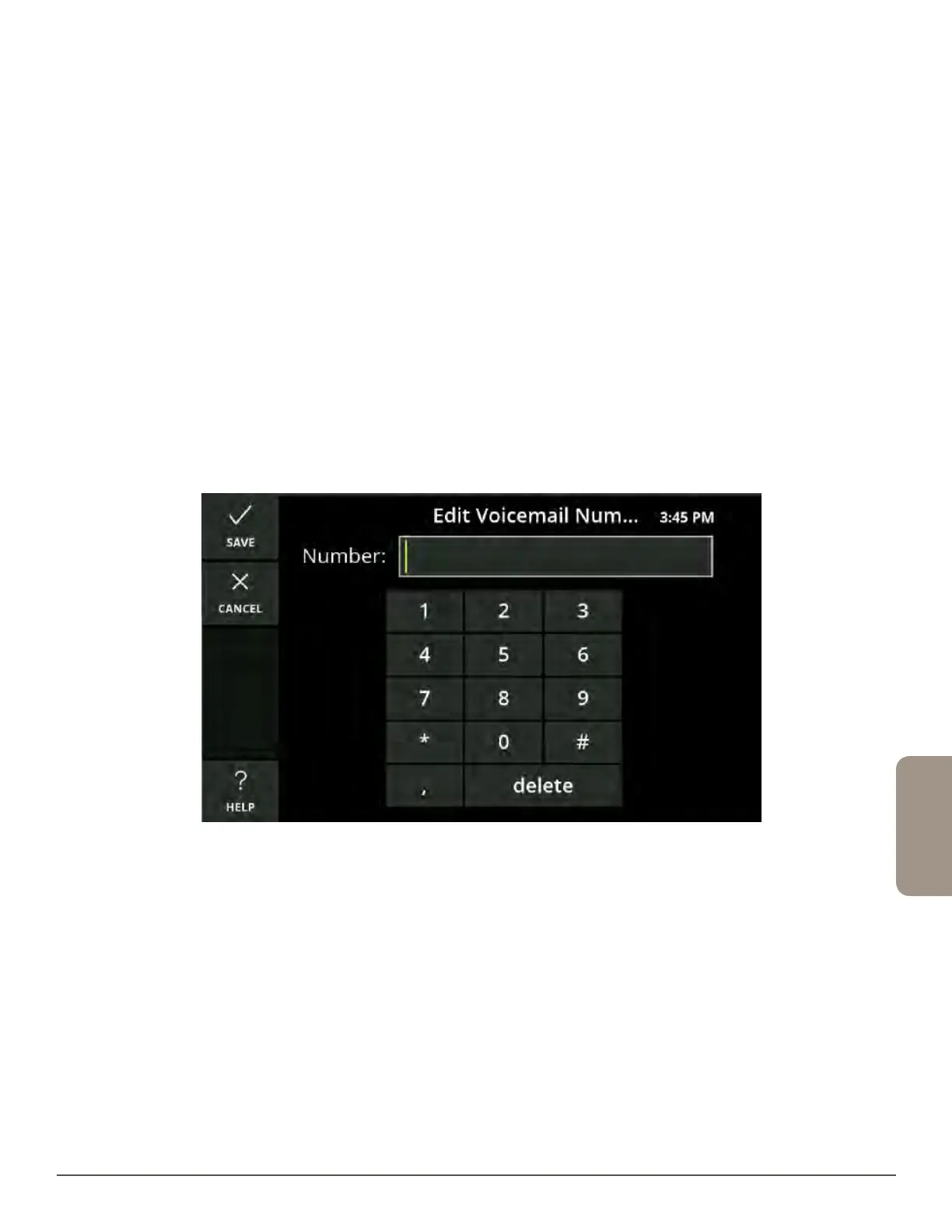
3. Touch the number field to display the number keyboard. Enter your access
number for your voicemail service and touch Save.
To listen to your voicemail:
1. Touch the Messages button from the Recent Calls screen.
2. Use the speakerphone or pick up the handset.
3. The captions will automatically begin and you can follow your provider voicemail
instructions to listen to your messages.
4. Touch Save Call to save your voicemail captions to your Saved Calls.



 To Next Page