Settings
Page 86
Settings
Settings will let you set your phone’s defaults, and you can troubleshoot and control
many of your CaptionCall phone’s functions.
Helpful Hints
Touch the Home button to return to the Recent Calls screen.
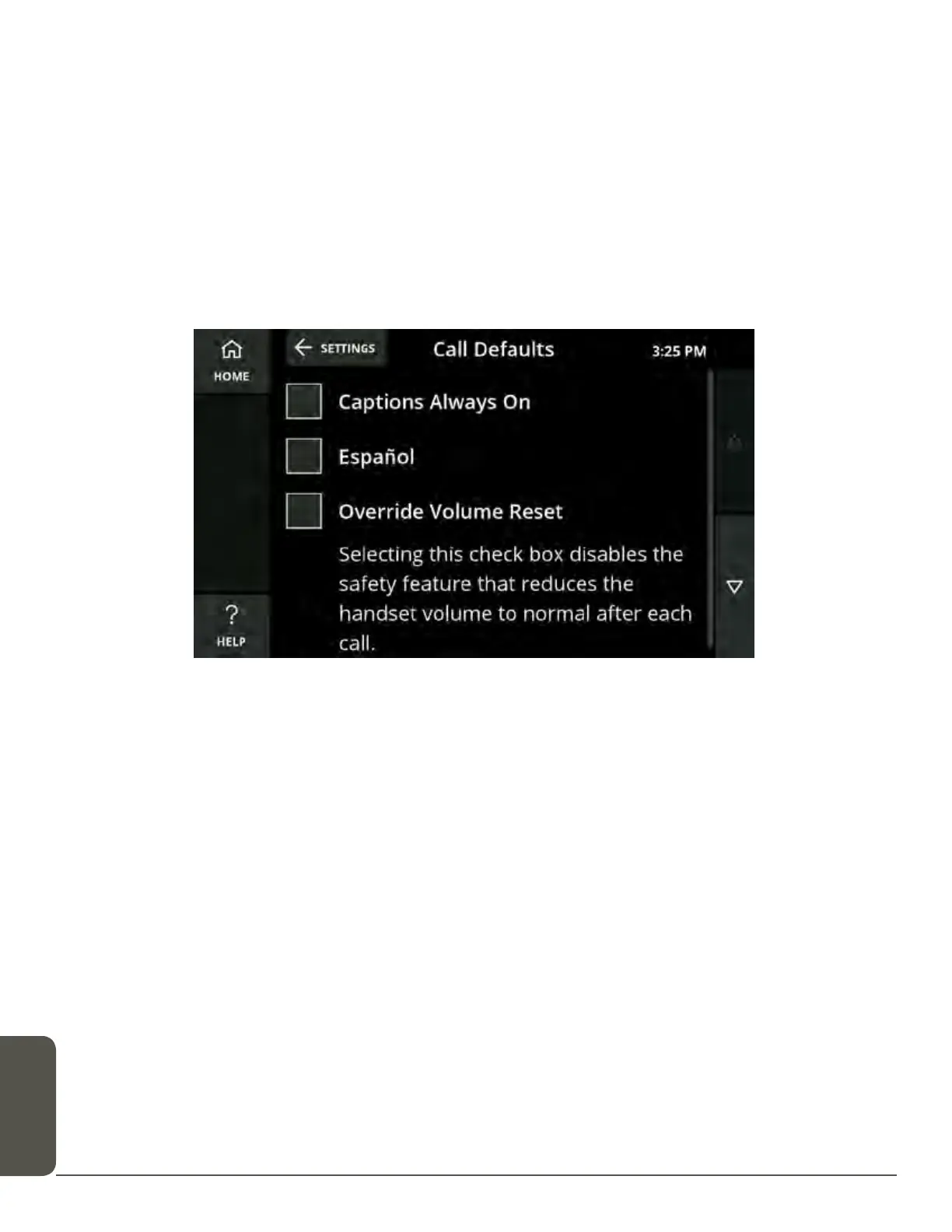
Call Defaults
Call Defaults lets you permanently set captions, override the volume reset and
select your preferred captions language.
Captions Always On
If this is selected, you will first be prompted to accept the legal notice.
If captions are set as always on, they can still be turned off during a call by using the
in-call options (see page 25).
Español
Selecting this check box will set Spanish as the captioning default for all calls. If it is
not selected, English will be the captioning default.
Override Volume Reset
Selecting this check box disables the safety feature that reduces the handset and
speakerphone volume to normal after each call made at a dangerous volume level.



 To Next Page