The Fine Print
Page 70
Bluetooth
The Bluetooth feature enables you to connect the CaptionCall phone to Bluetooth
headphones/headsets, streamers, and other electronic devices via a short-range
wireless connection.
With CaptionCall and Bluetooth, you can choose how you want to receive the
CaptionCall phone audio:
• Using the phone handset or speakerphone
• CUsing a streamer that connects directly to your hearing aids
• Using your favorite headphones/headset
Turn On Bluetooth:
To turn on Bluetooth, follow these steps:
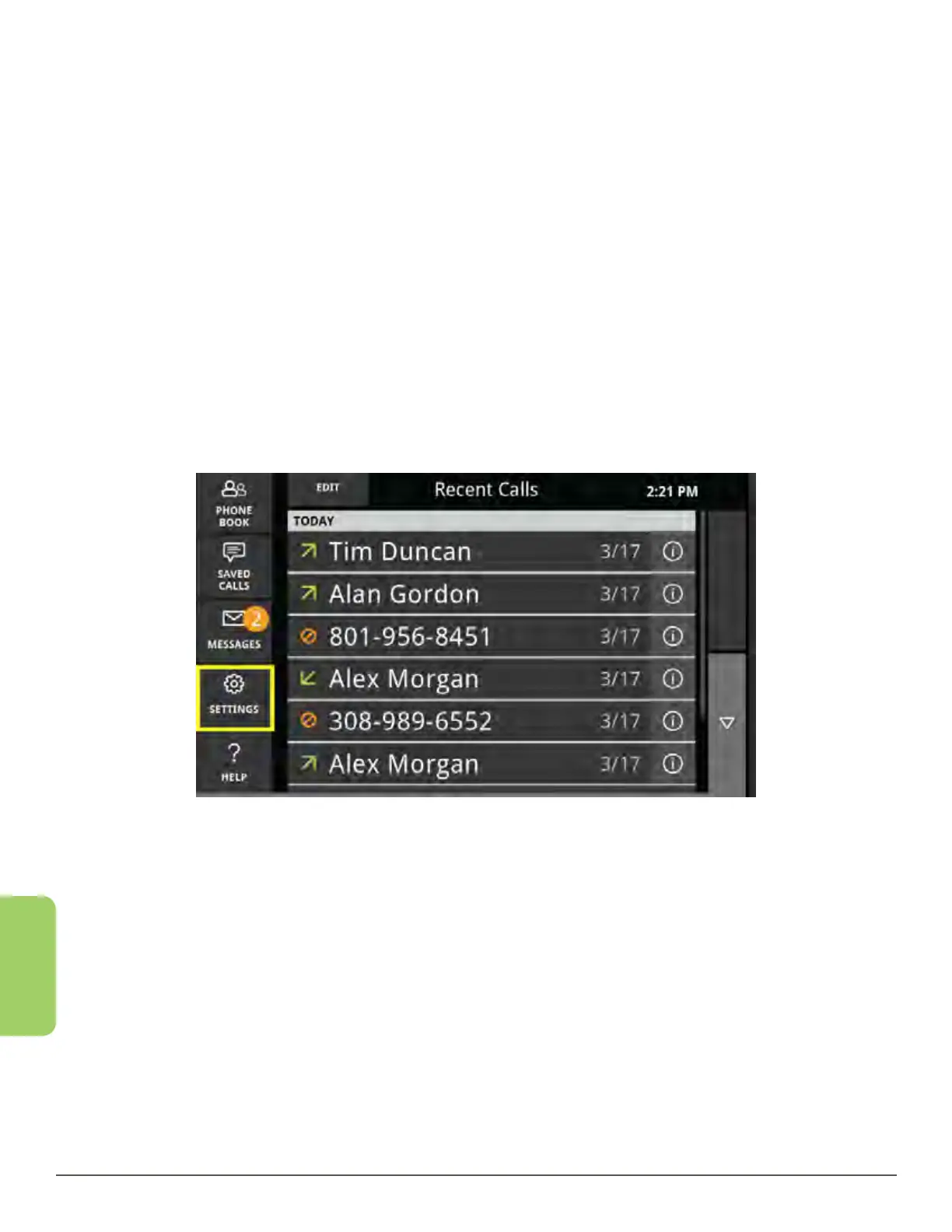
1. From the Recent Calls screen, press the Settings button in the lower left corner.



 To Next Page