Customer Support 1-877-557-2227
Page 71
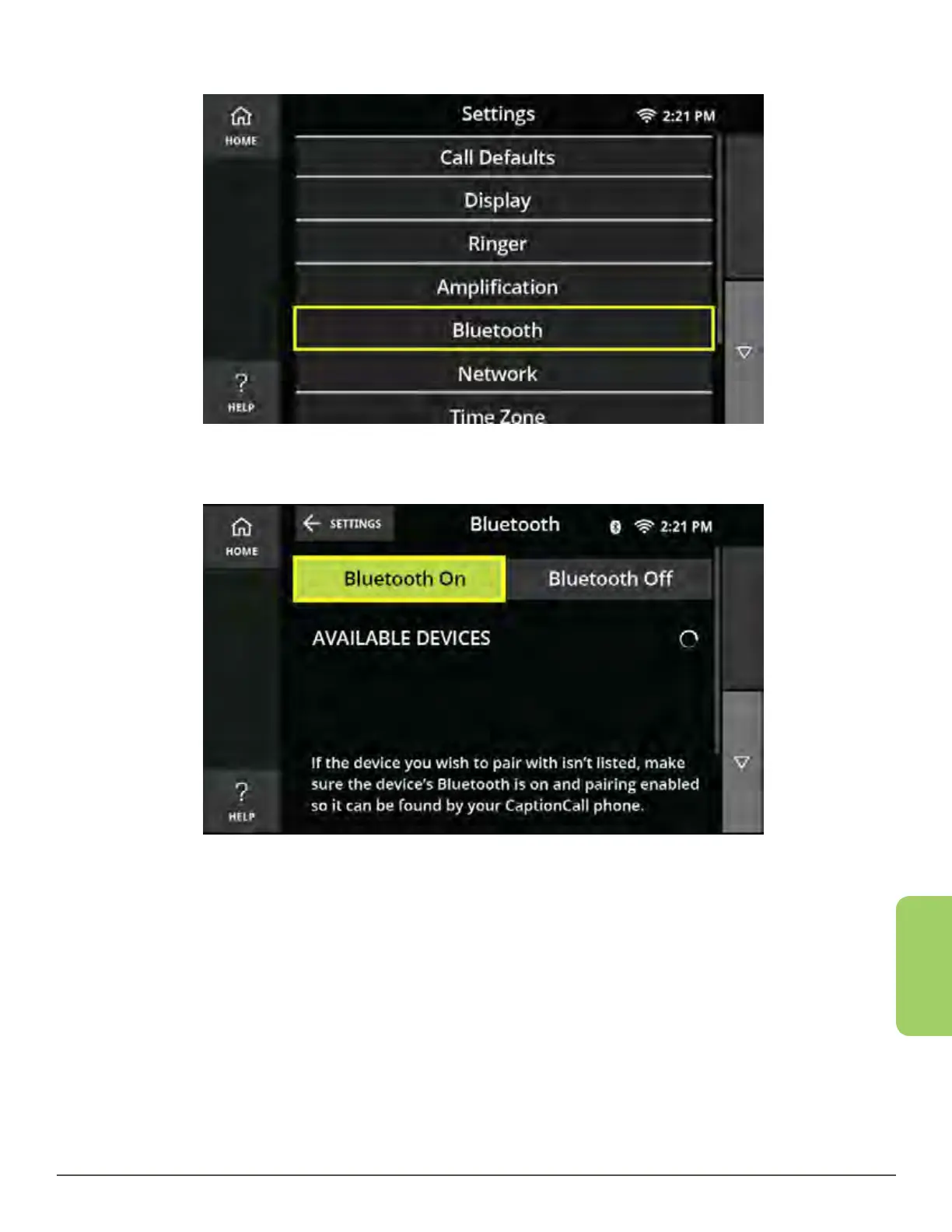
Bluetooth
2. Touch the Bluetooth button.
3. Touch the Bluetooth On button.
Selecting the Bluetooth On button will begin the process of searching for available
devices. Selecting the Bluetooth On button does not automatically connect the
CaptionCall phone to your Bluetooth compatible device.



 To Next Page