The Fine Print
Page 74
Bluetooth
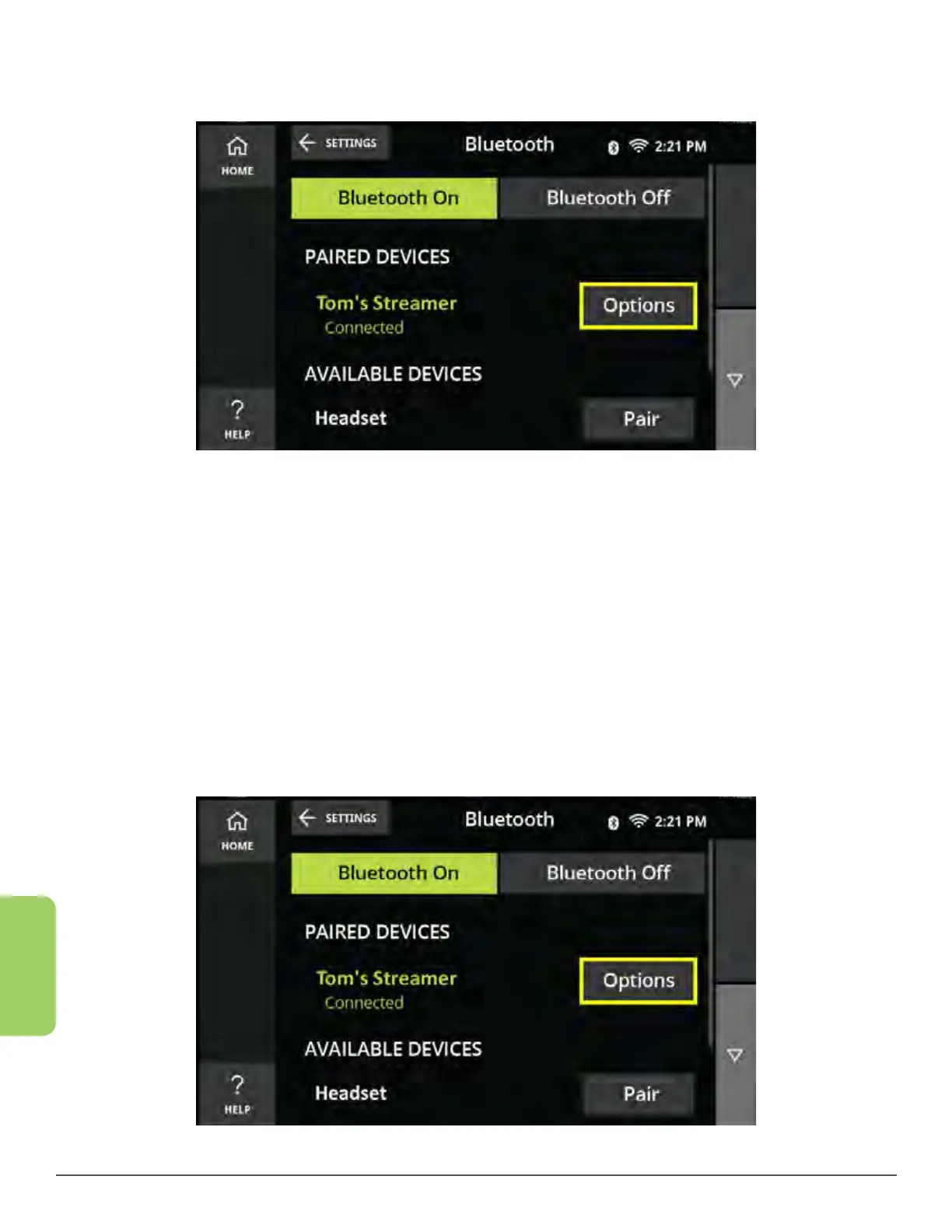
8. The color of the device’s name on the screen will change from orange to green
when connected.
Disconnect a Device
Disconnecting a device will stop the CaptionCall phone from reconnecting to an
unwanted Bluetooth device. Disconnecting from a previous device is required in
order to connect to a new device. Also, you will automatically disconnect from a
previous device if you connect to a new one.
1. From the Recent Calls screen, touch the Settings button in the lower left corner.
2. Touch the Bluetooth button. The Bluetooth home screen is displayed.
3. Touch the Options button next to the connected device you wish to disconnect.



 To Next Page