Phonebook
Page 40
Phonebook
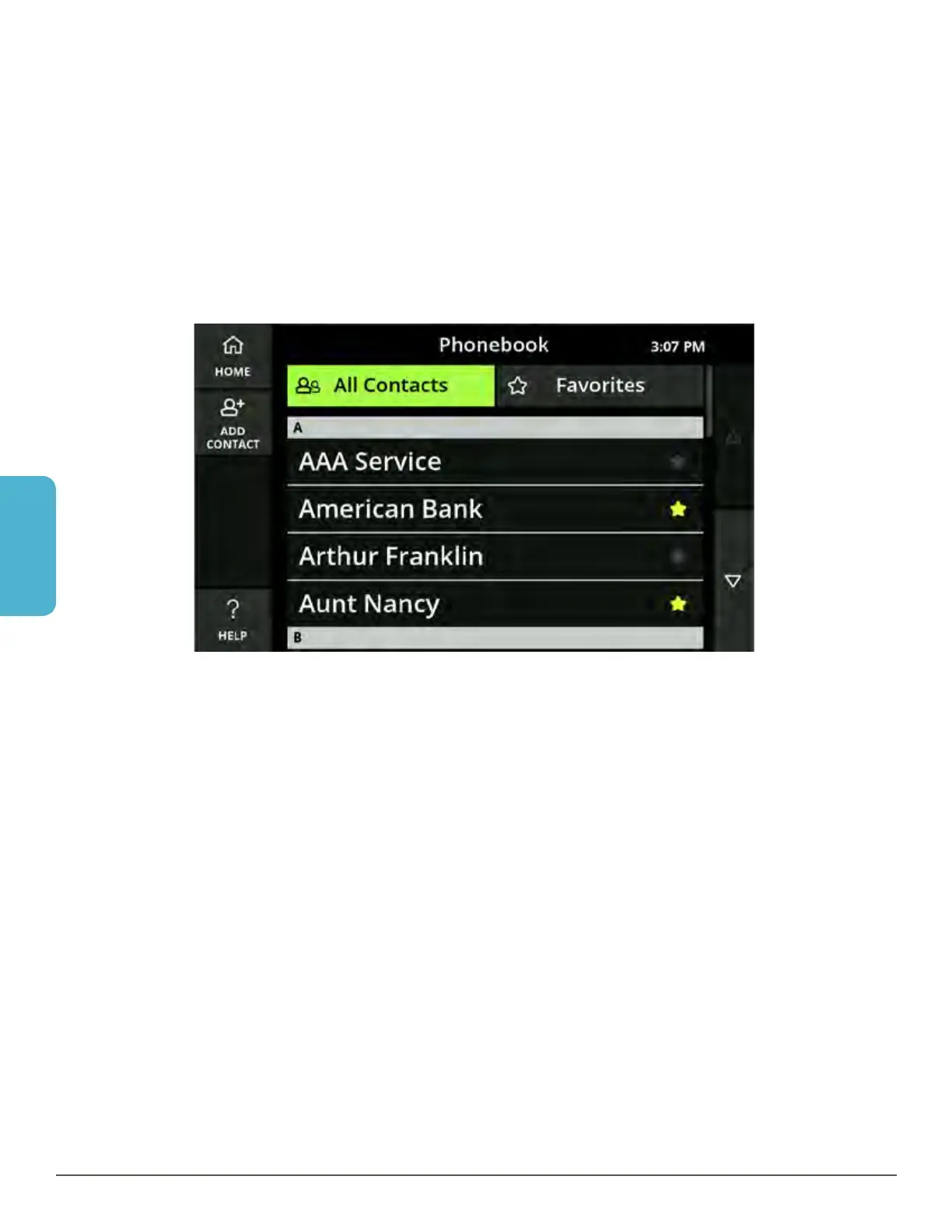
The Phonebook feature lets you save contacts on your phone for easy dialing. You
can save multiple numbers for each contact and use CaptionCall’s online service to
assign a photo or image for each contact.
View the Phonebook
1. Select the Phonebook button.
2. Your list of contacts is displayed.
Use your finger to scroll up and down the list as needed to locate a contact.
Helpful Hints
• Touch the buttons on the right to scroll up and down in the Phonebook as needed
to view all of your contacts
• Touch a contact to view the name and phone number for that contact
• Touch Home to return to the main screen (Recent Calls)



 To Next Page