Customer Support 1-877-557-2227
Page 45
Phonebook
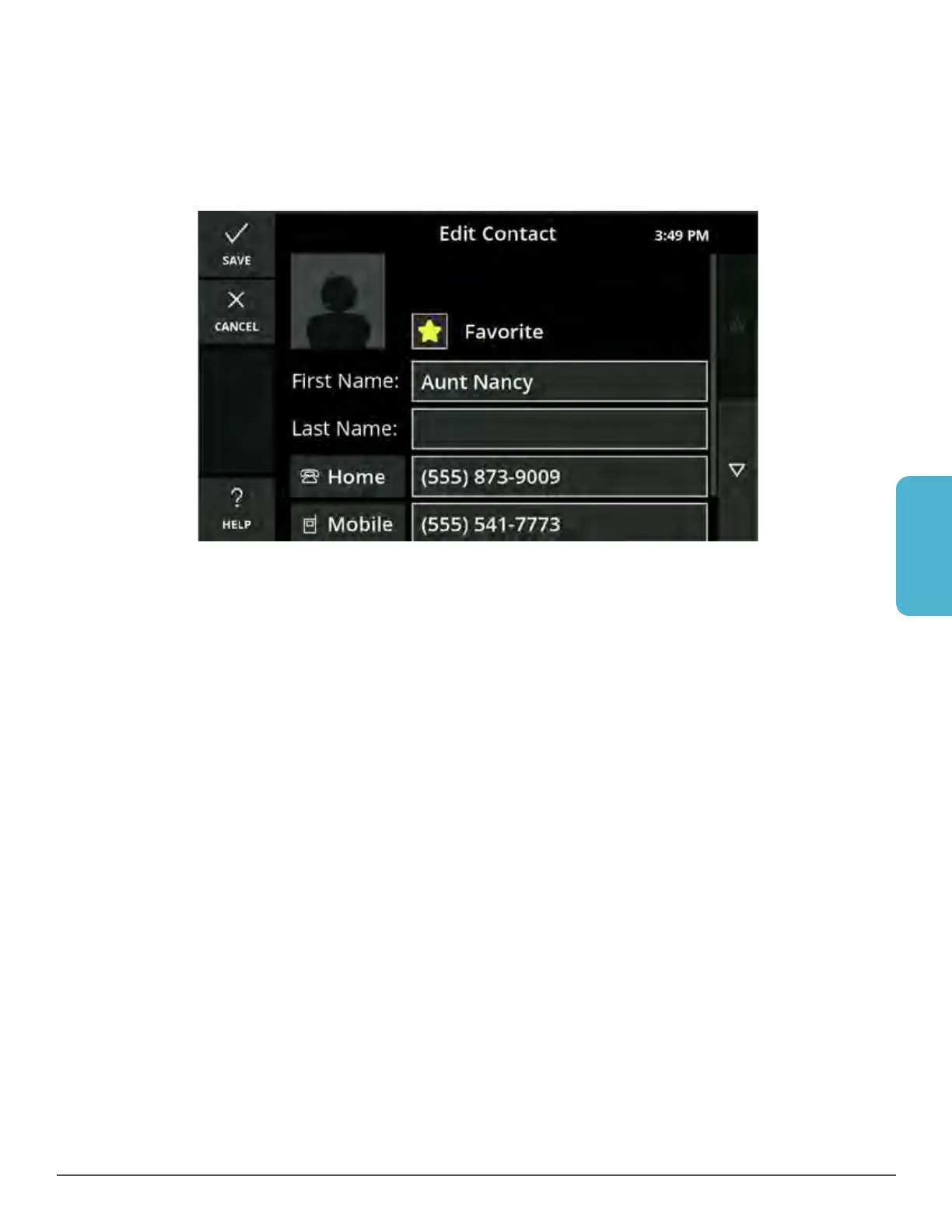
Edit a Contact
1. Open the Phonebook and select the contact you want to edit. Touch the contact
so the Contact Detail screen is displayed.
2. Touch the Edit button on the left. The Edit Contact screen is displayed.
3. Touch the fields you want to change. The keyboard will display to allow you to
make edits.
4. Touch the Save button.
5. When finished, touch the Save button on the Edit Contact screen.



 To Next Page