Customer Support 1-877-557-2227
Page 55
Saved Calls
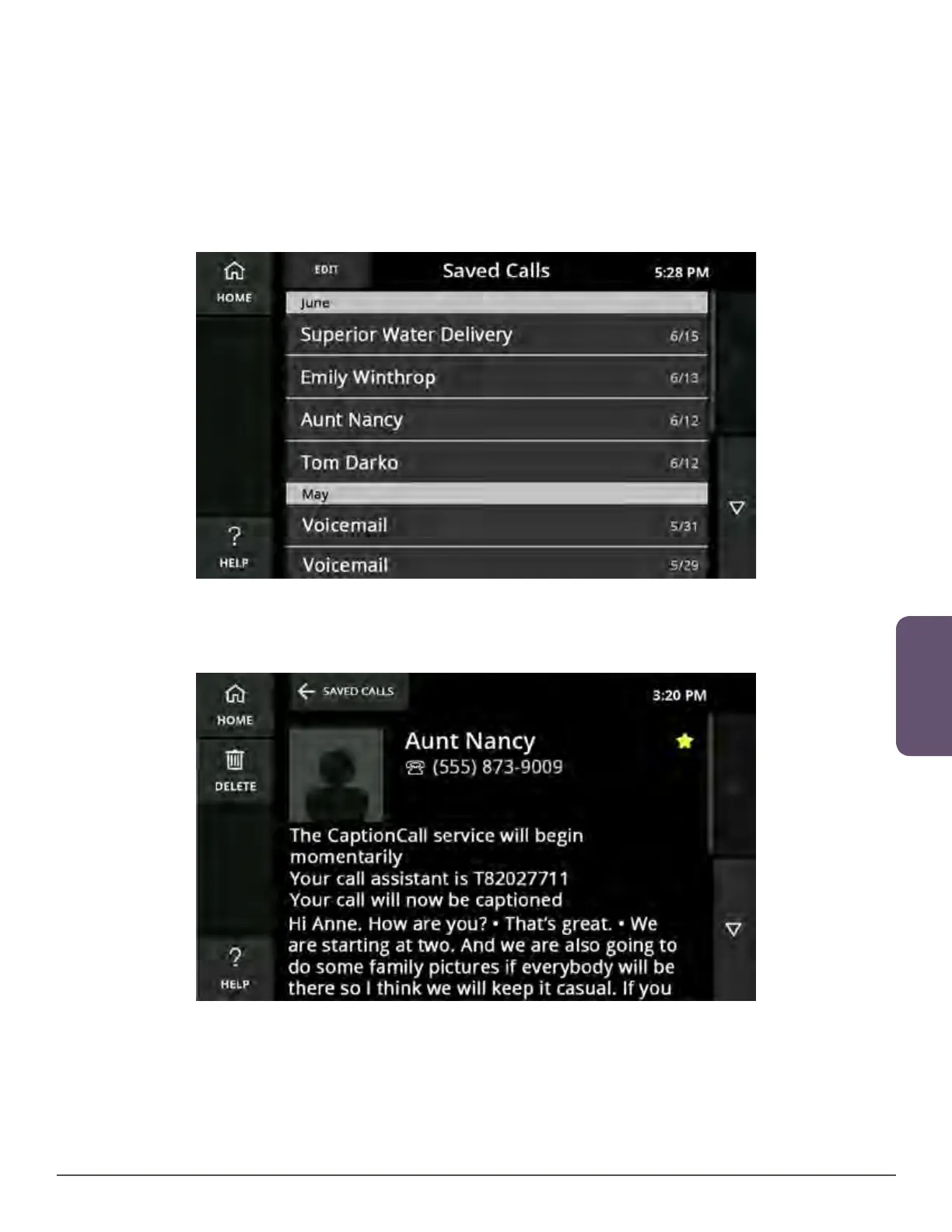
View a Saved Conversation
Viewing the captions of your saved conversations is easy.
1. Touch the CaptionCall phone screen to wake the phone, or touch the
Homebutton.
2. Touch the Saved Calls button. The Saved Calls screen will display.
3. Touch the conversation that you want to view on the Saved Calls screen.
4. The saved captions for that conversation will display on the screen.
5. Use your finger to scroll up and down the screen as needed to view the entire
conversation.
6. When you are finished, touch the Home button at the top to return to the
mainscreen.



 To Next Page