Customer Support 1-877-557-2227
Page 75
Bluetooth
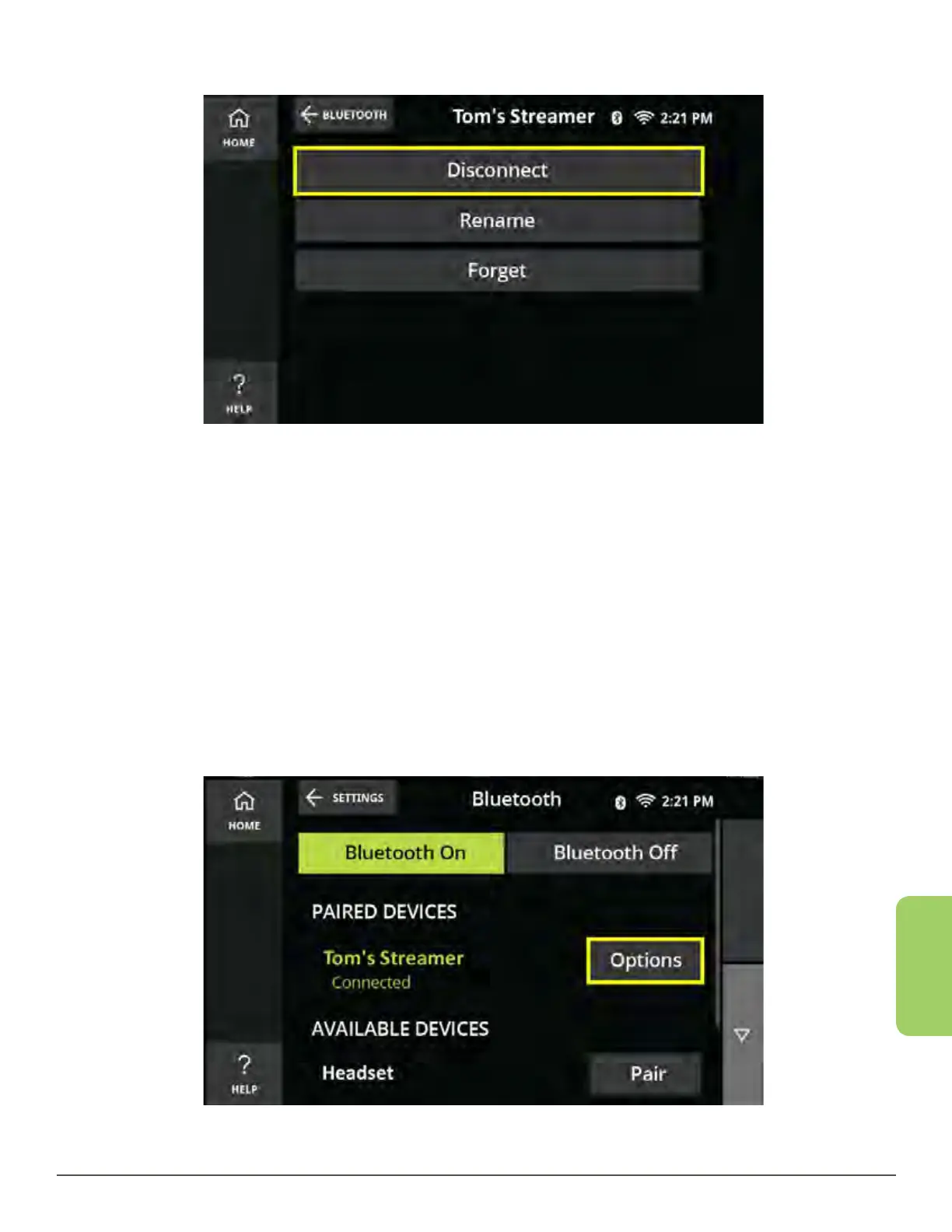
4. Touch the Disconnect button.
5. Wait for the CaptionCall phone to navigate back to the device list.
Rename a Device
You can rename your already connected devices in order to easily identify which
device is which in the CaptionCall phone device list.
1. From the Recent Calls screen, touch the Settings button in the lower left corner.
2. Touch the Bluetooth button. The Bluetooth home screen is displayed.
3. Look at your Paired Devices list and touch the Options button next to the
connected device you wish to rename.



 To Next Page