The Fine Print
Page 76
Bluetooth
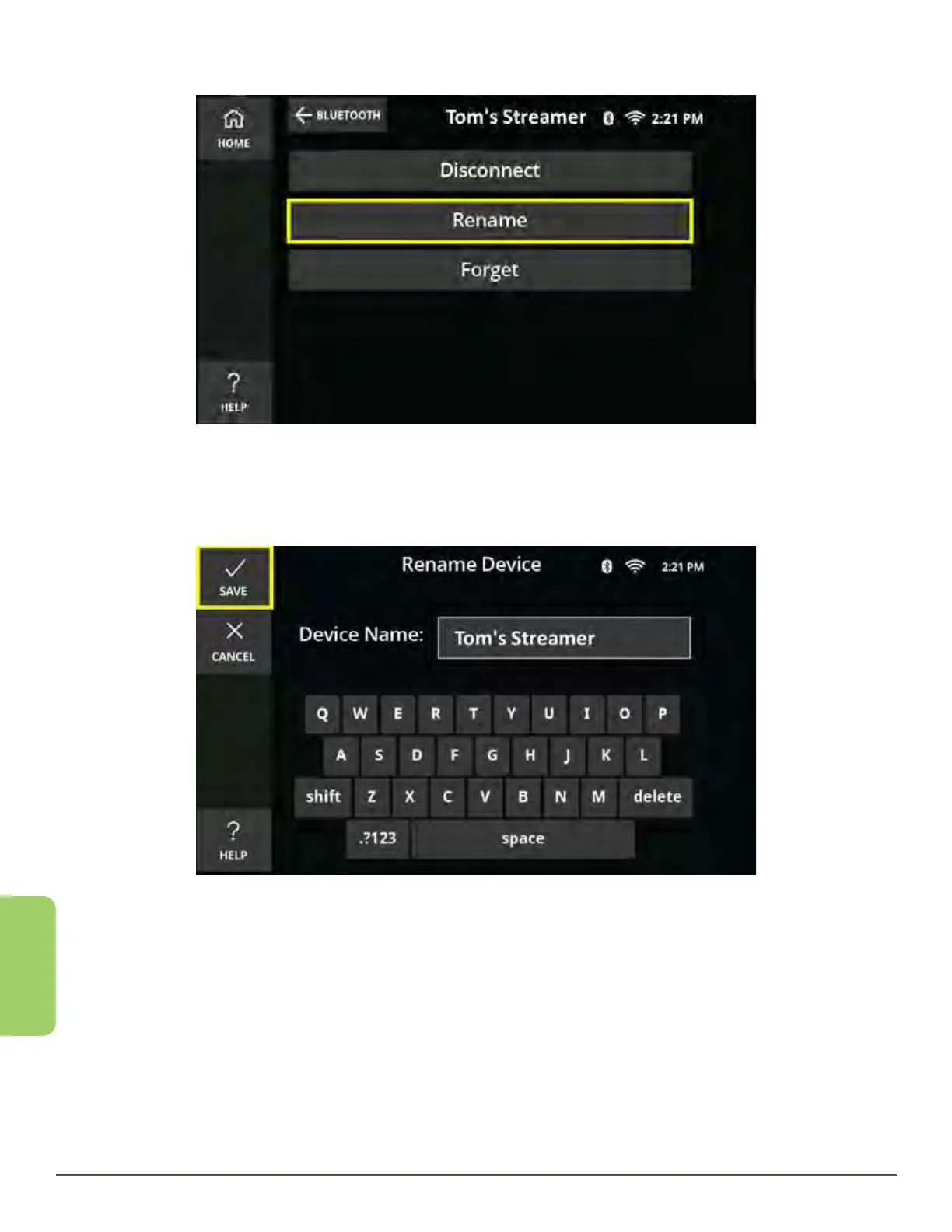
4. Touch the Rename button.
5. Enter a new name for the device using the CaptionCall touch screen.
6. When finished, press the Save button.
Forget a Device
Forgetting a device enables you to remove an unwanted device under your paired
devices section. If you decide you want to use the device in the future, simply pair it
again.
1. From the Recent Calls screen, touch the Settings button in the lower left corner.
2. Touch the Bluetooth button. The Bluetooth home screen is displayed.



 To Next Page