Customer Support 1-877-557-2227
Page 43
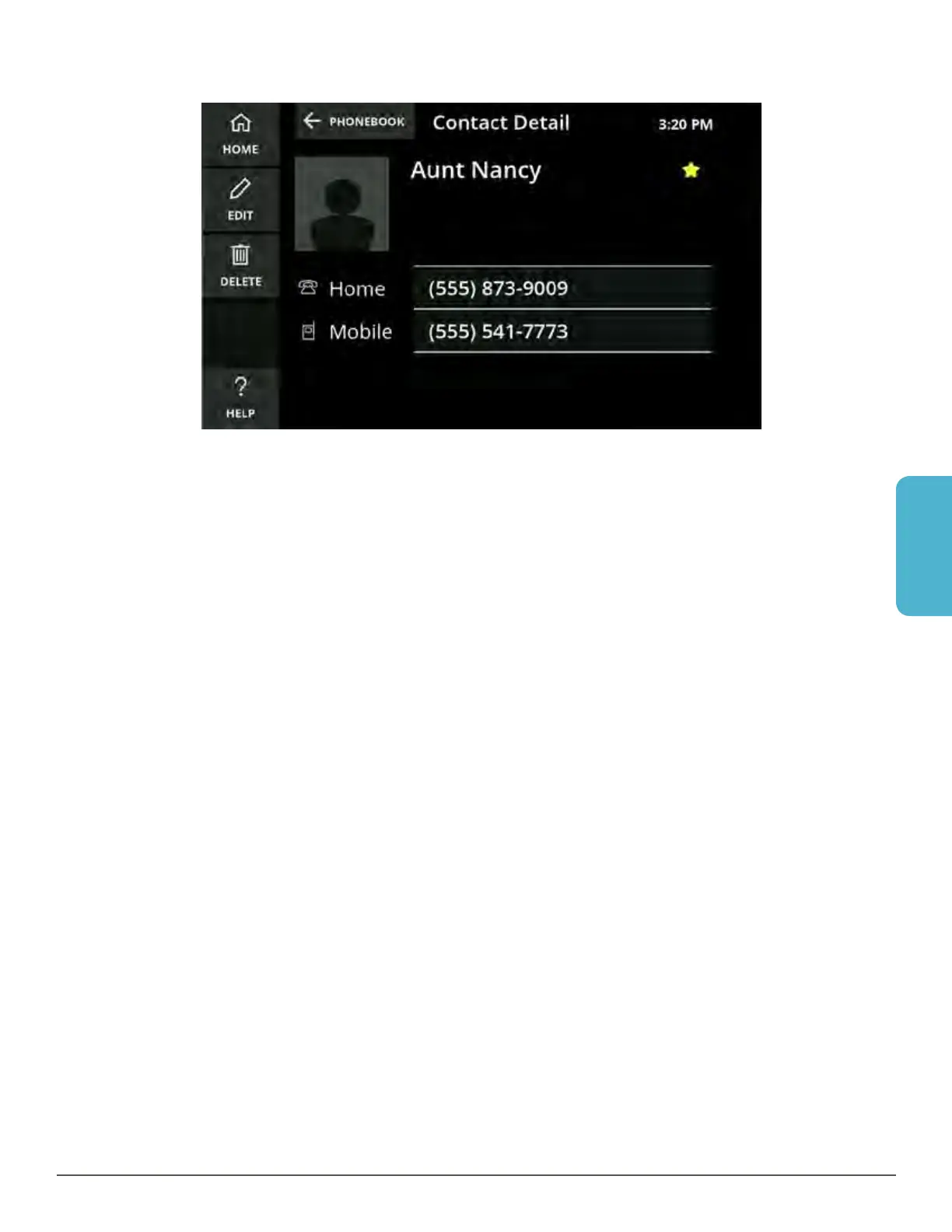
Phonebook
Call a Contact
1. Touch the Phonebook button. The Phonebook is displayed.
2. Touch the desired contact in the list.
3. Touch the phone number you want to dial.
4. Use the speakerphone or pick up the handset.
5. If captions are set to turn on automatically, captions will begin once the call is
connected. If you choose to turn on captions manually, simply touch the large
green button on your CaptionCall screen.



 To Next Page