Customer Support 1-877-557-2227
Page 81
Bluetooth
Hang Up a Call
To hang up a call, you must manually hang up the Bluetooth device, CaptionCall
Handset or CaptionCall speakerphone. The other party hanging up will not end the
call.
Helpful Hints
The phone audio will default to the source that is first used to pick up the phone. If
you use your Bluetooth compatible device to answer a call, the audio will go to the
device. If you answer the call with the CaptionCall phone handset or speakerphone,
the audio will go there. Remember, you can always switch the audio using the
Bluetooth button.
Troubleshooting
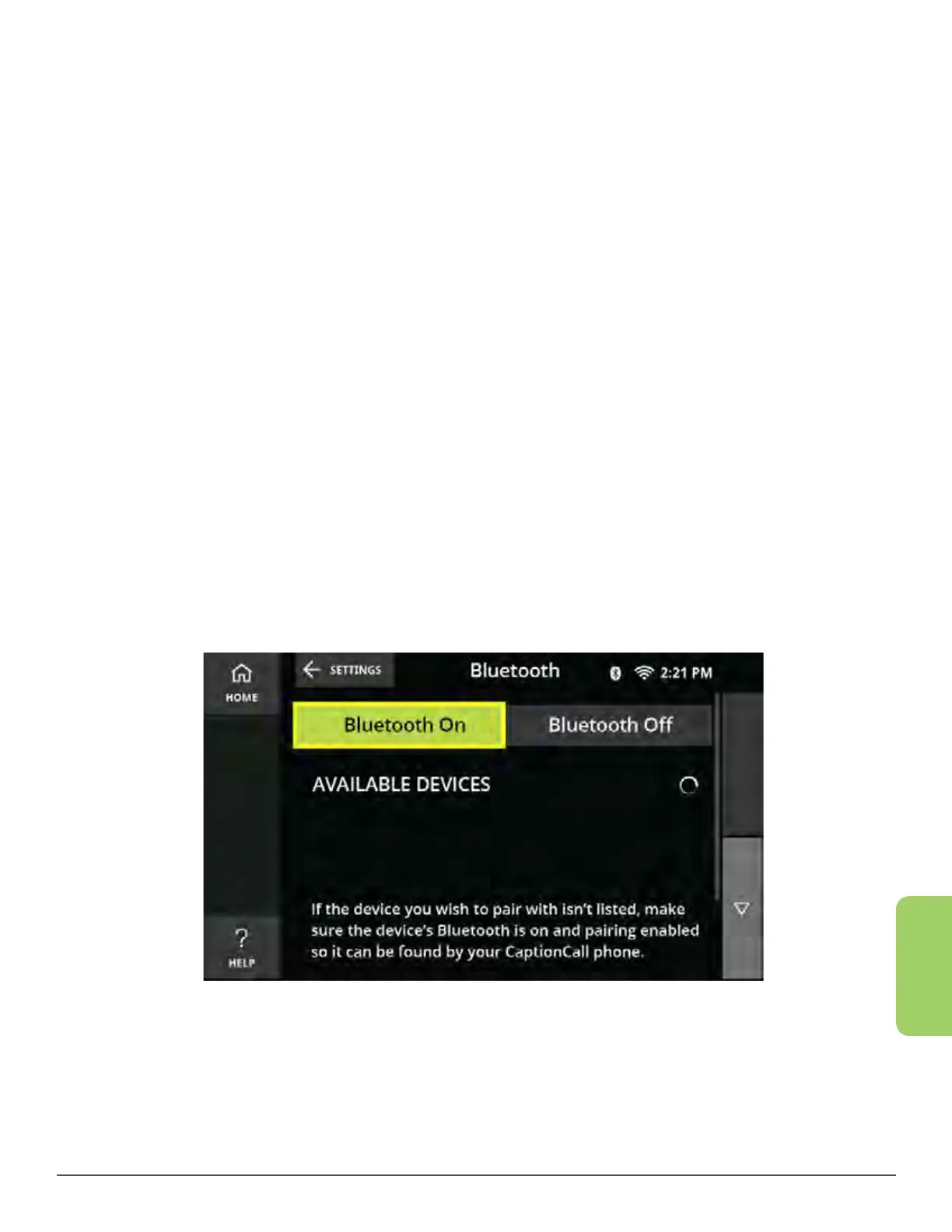
Desired Bluetooth device doesn’t show up in list for pairing:
1. Make sure that your device is Bluetooth compatible.
2. Make sure that your device has Bluetooth turned on and is in discovery mode.
3. Make sure that your device is close to the CaptionCall phone.
4. Make sure that the CaptionCall phone has Bluetooth turned on.
5. Reboot both the CaptionCall phone and the device.



 To Next Page