The Fine Print
Page 82
Bluetooth
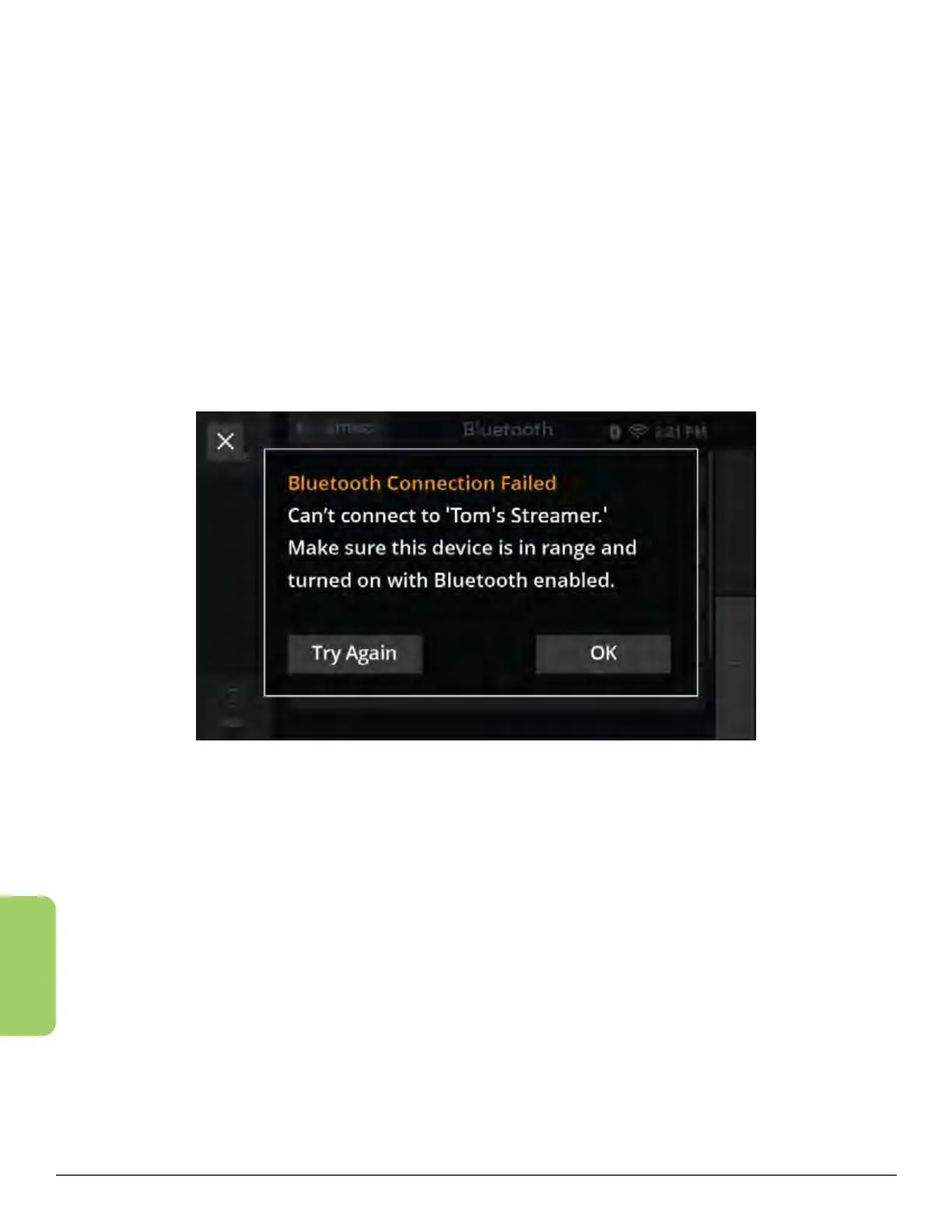
Bluetooth Device fails to pair:
1. Touch the Try Again button to attempt the pairing again.
If the device continues to fail:
2. Reboot both the CaptionCall phone and the device.
Bluetooth Device Fails to Connect:
If the Bluetooth Device is paired but fails to connect, try these steps:
1. Make sure that your device has Bluetooth turned on and is in discovery mode.
2. Make sure that your device is close to the CaptionCall phone
3. Touch the Try Again button to attempt to connect again
4. Reboot both the CaptionCall phone and the device.



 To Next Page