Settings
Page 88
Settings
Brightness
The Brightness setting lets you increase or decrease the
brightness of the display
.
There are three brightness
settings: Normal, Bright and Extra Bright.
Touch one of the Brightness buttons to select your default brightness setting.
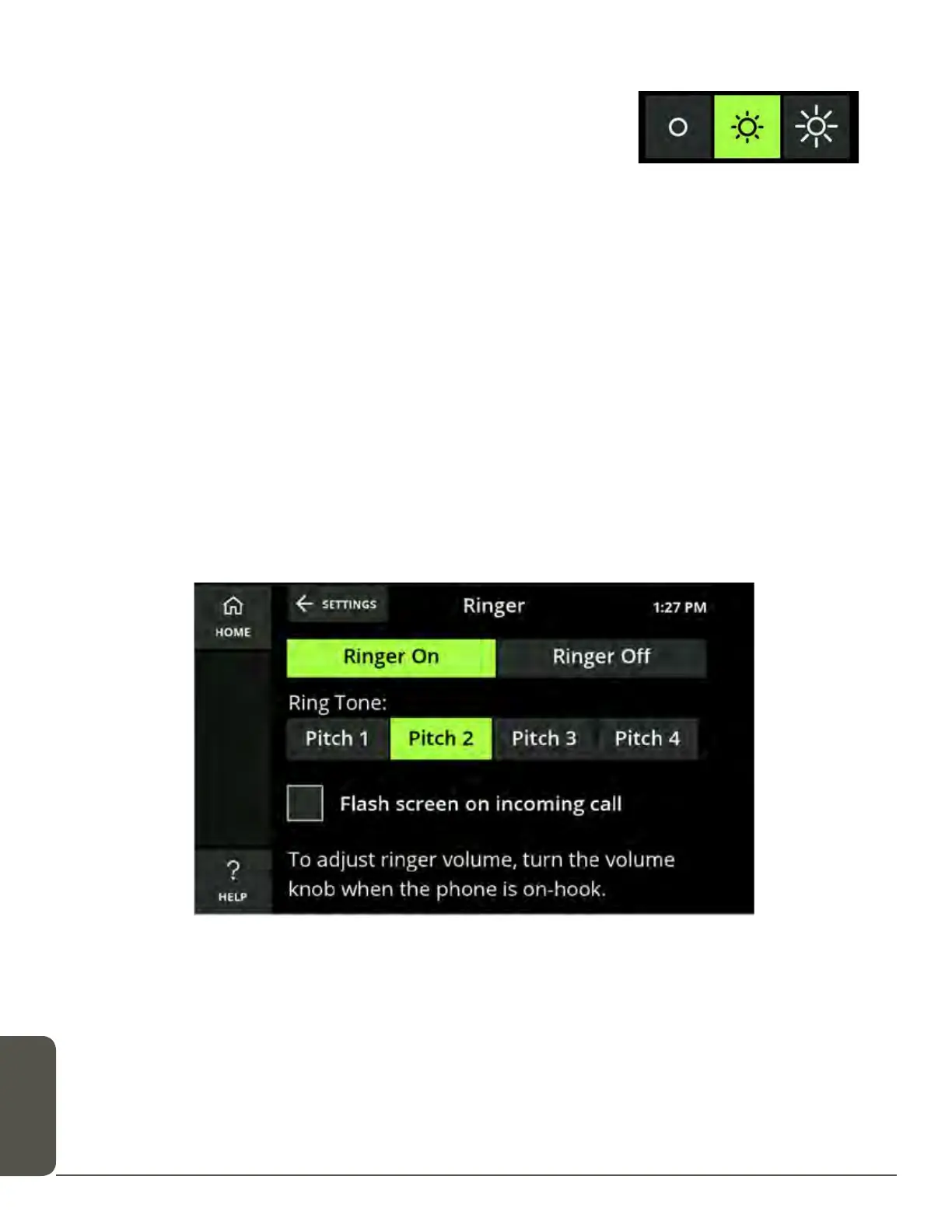
Adjust the Ringer
Ringer settings allow you to select a ring tone and set how loud the CaptionCall
phone rings when you receive calls.
To adjust ringer settings:
1. Touch the CaptionCall phone screen to wake the phone, or touch the Home
button.
2. Touch the Settings button.
3. Touch the Ringer button.
4. Select a ring tone from the list.
Ring tones include Pitch 1, Pitch 2, Pitch 3 and Pitch 4.
When you select a ring tone, it will briefly play so you can hear it.



 To Next Page