Customer Support 1-877-557-2227
Page 97
Settings
Time Zone
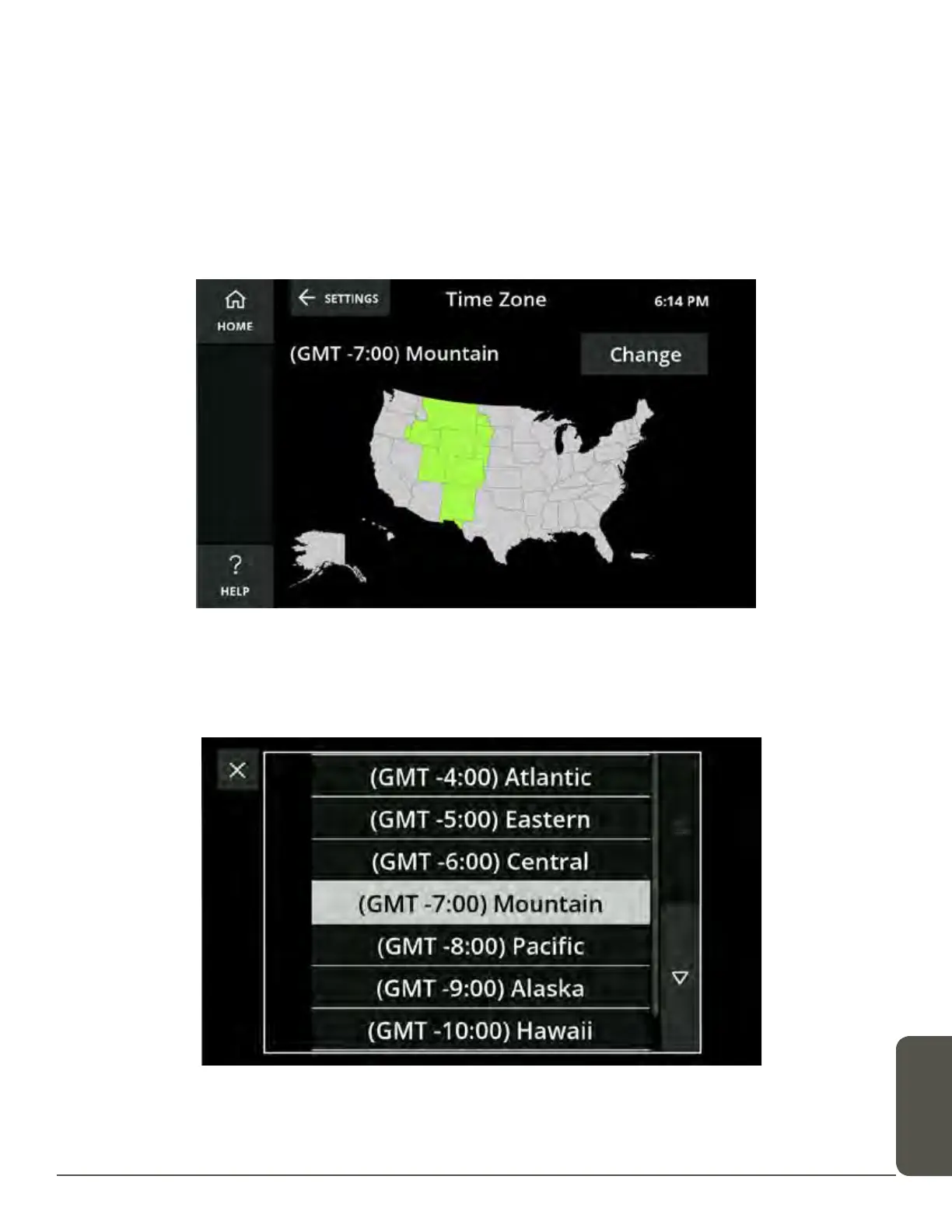
The Time Zone screen displays a map of time zones and lets you select the correct
time zone for your location.
To select your time zone using the Time Zone map:
Touch the state you live in on the displayed map. The time zone for that state will
change to green on the map.
To select your time zone from a list:
1. Touch the Change button. A time zone list will display. Scroll up and down to see
all available time zones.
2. Select the correct time zone.
Your time zone will now update to the new, selected time zone.



 To Next Page