The Fine Print
Page 80
Bluetooth
Communicate on Your Bluetooth Device
When your desired Bluetooth device is connected to the CaptionCall phone, you are
able to listen and talk via your Bluetooth device. The call captions will still appear on
the CaptionCall phone screen.
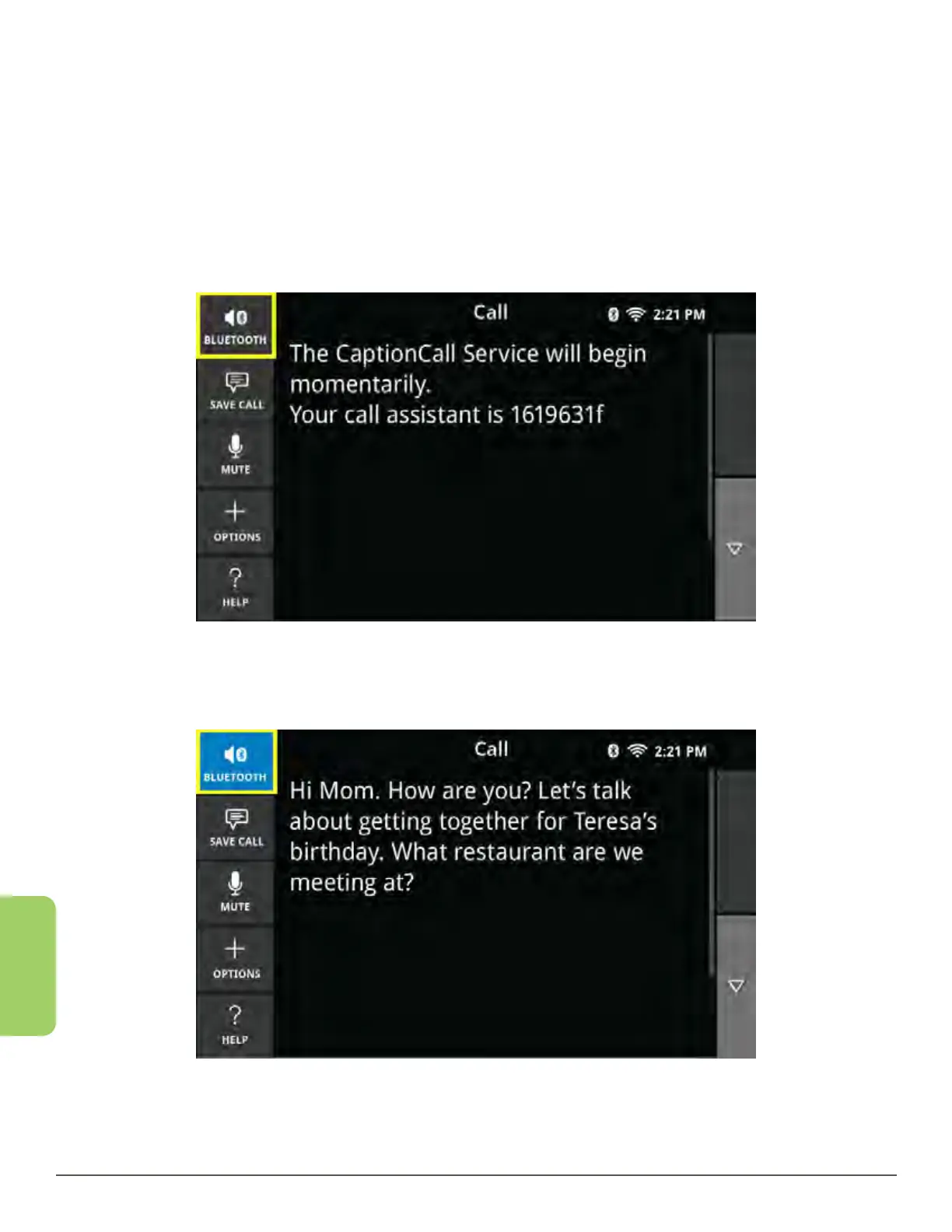
While in a call with a Bluetooth connected headset, the Home button is replaced
with the Bluetooth button in the upper left cornerTo send and receive audio to your
Bluetooth device, touch the new Bluetooth button.
Touch the Bluetooth button again in order to transfer the audio back to the
CaptionCall phone.



 To Next Page