Customer Support 1-877-557-2227
Page 79
Bluetooth
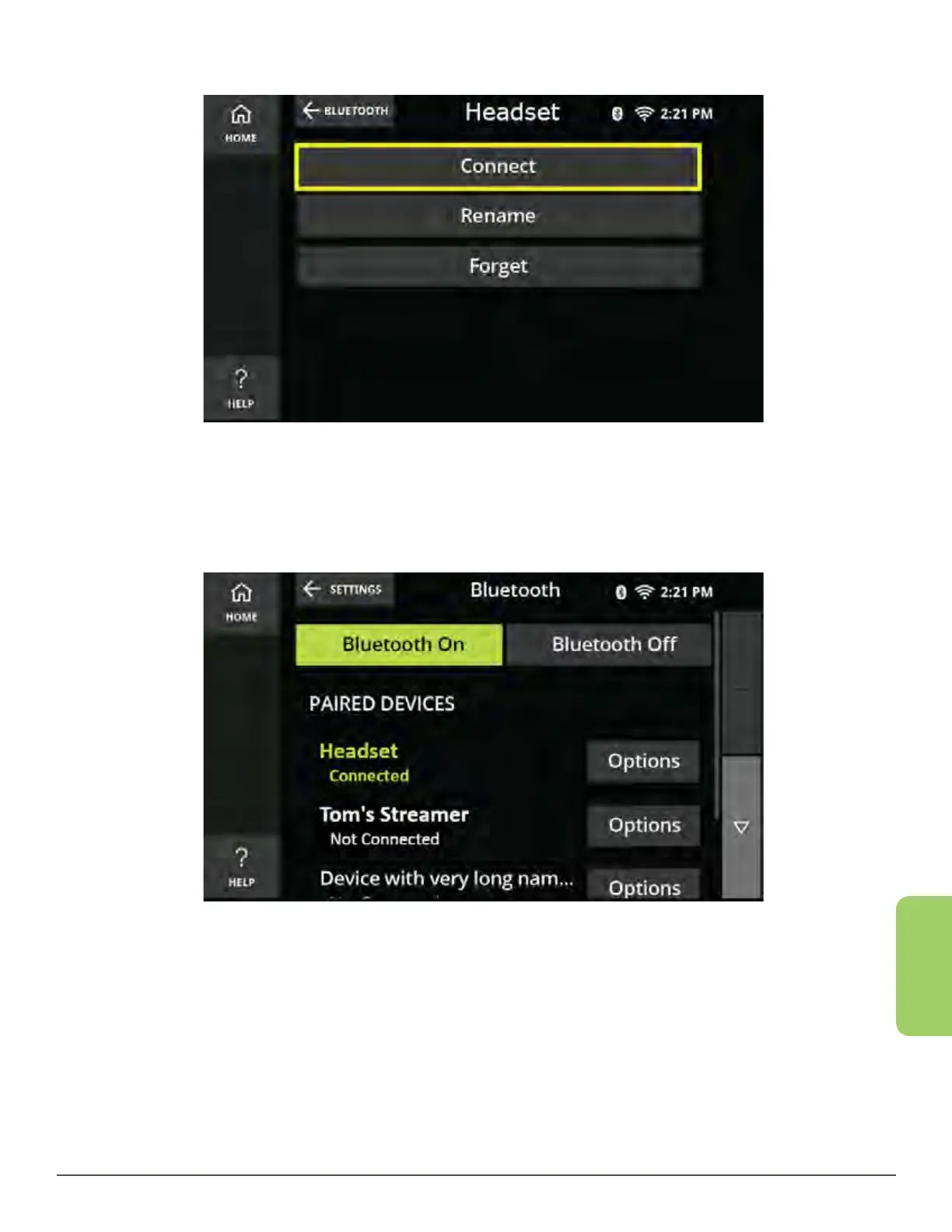
4. Touch the Connect button.
5. Wait for the device to Connect.
6. Once connected, the CaptionCall phone will return to the Bluetooth menu and
show the device as connected.
Helpful Note:
Any currently connected Bluetooth devices will automatically disconnect when you
connect to a new device.



 To Next Page