Customer Support 1-877-557-2227
Page 33
Recent Calls
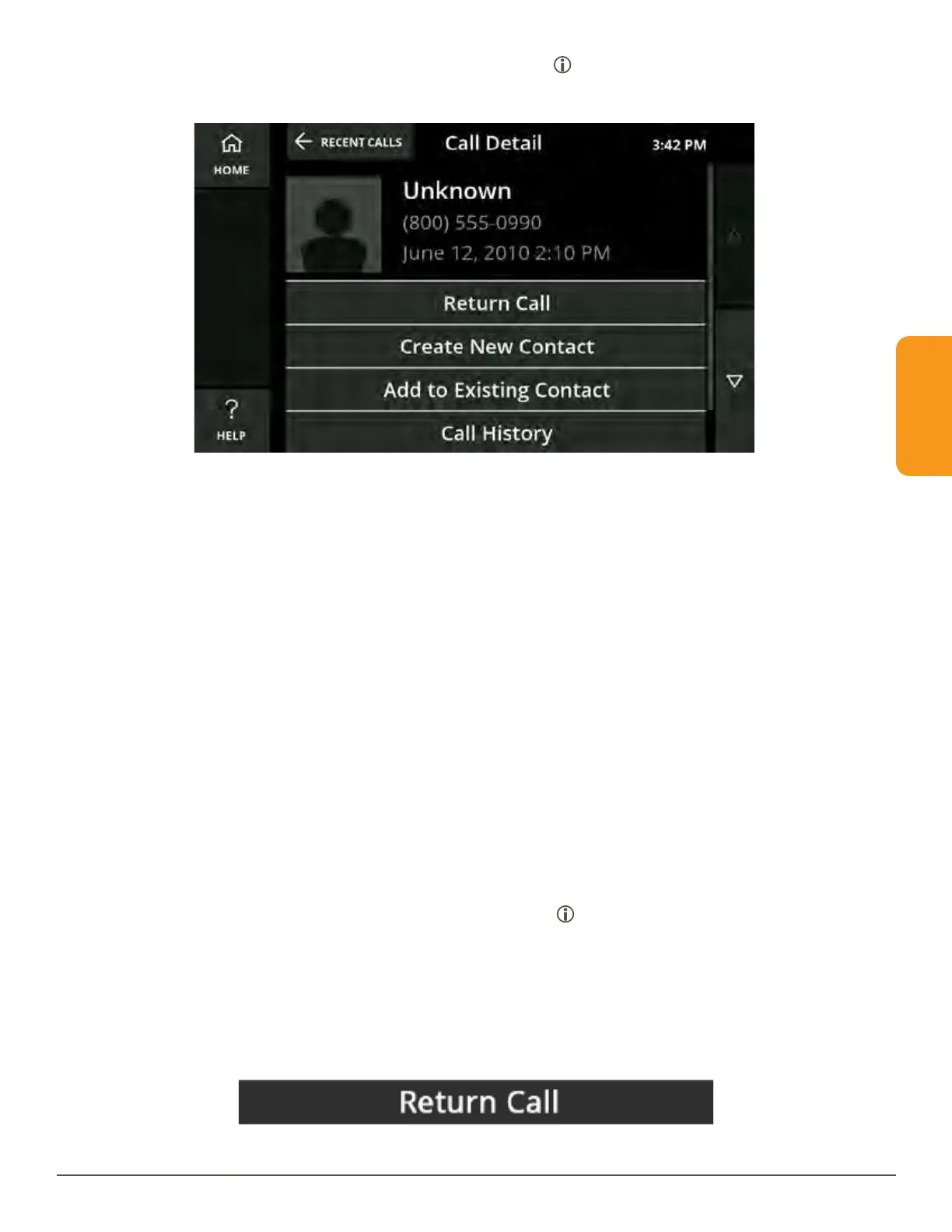
4. To review details about a recent call, touch the icon on the right of the call. The
Call Detail screen will display.
View Only Missed Calls
When the Missed Call button on the CaptionCall phone is red, you have missed one
or more calls.
1. Press the Missed Call button to view your list of missed calls.
2. Return a call by touching the name or phone number. If captions are set to turn
on automatically, captions will begin once the call is connected. If captions are
not set to start automatically and you want captions for your call, touch the “Turn
on Captions” prompt that displays.
You can always view your list of missed calls by either pressing the Missed Call
button or selecting the Missed Calls tab at the top of the Recent Calls screen.
Call Detail
The Call Detail screen is accessed by touching the icon next to a name or number
in the Recent Calls list. It displays the contact information, phone number and the
date and time of a recent call.
To call a contact from this screen:
1. Touch the Return Call button to dial the phone number.



 To Next Page