Messages
Page 64
Messages
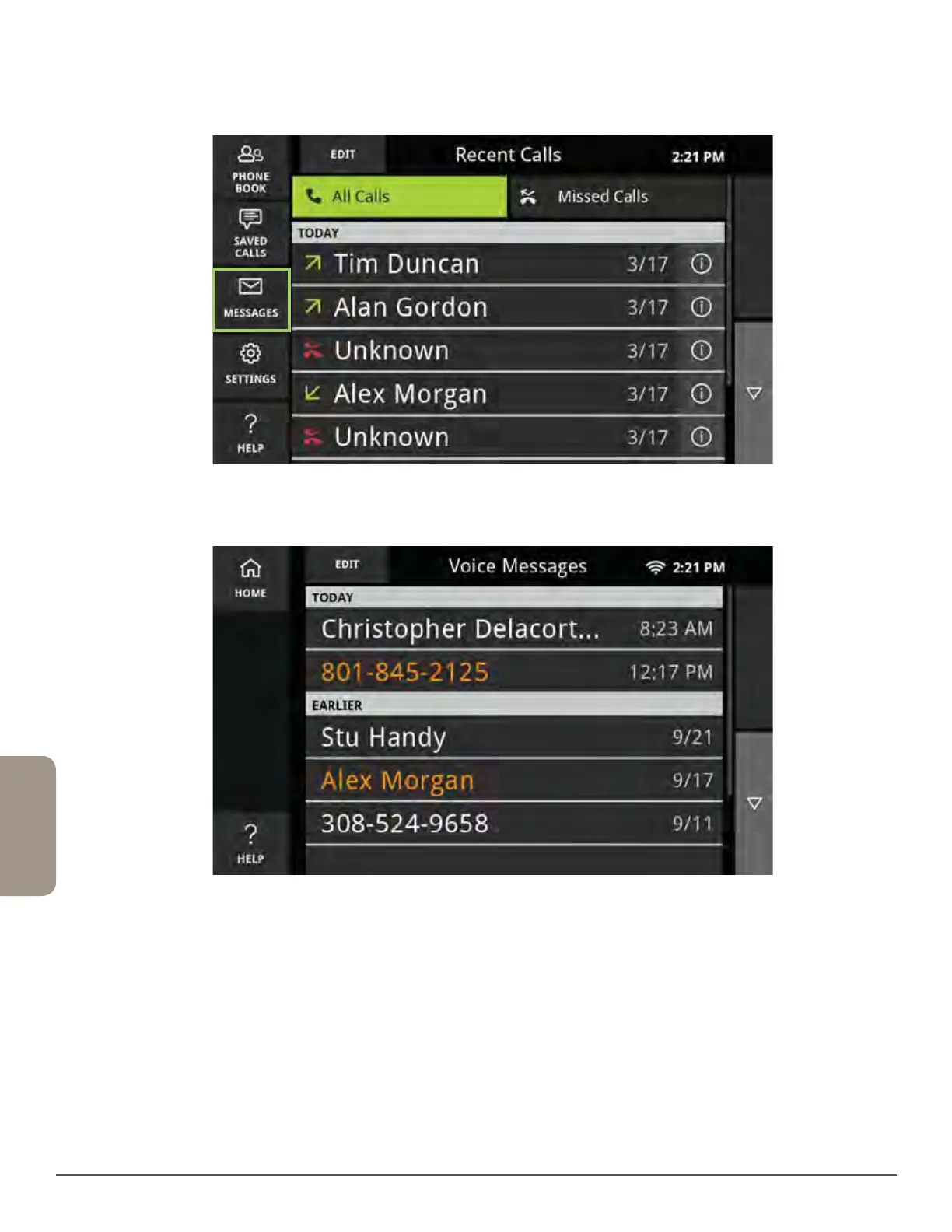
To listen to your messages:
1. Touch the Messages button.
2. Select a voice message from the list.
3. Your message will now play and be captioned. Plus, you can easily save the
captions or call someone back right from the Messages screen.
4. Touch Messages in the upper left corner to return to the Messages list.



 To Next Page