Customer Support 1-877-557-2227
Page 35
Recent Calls
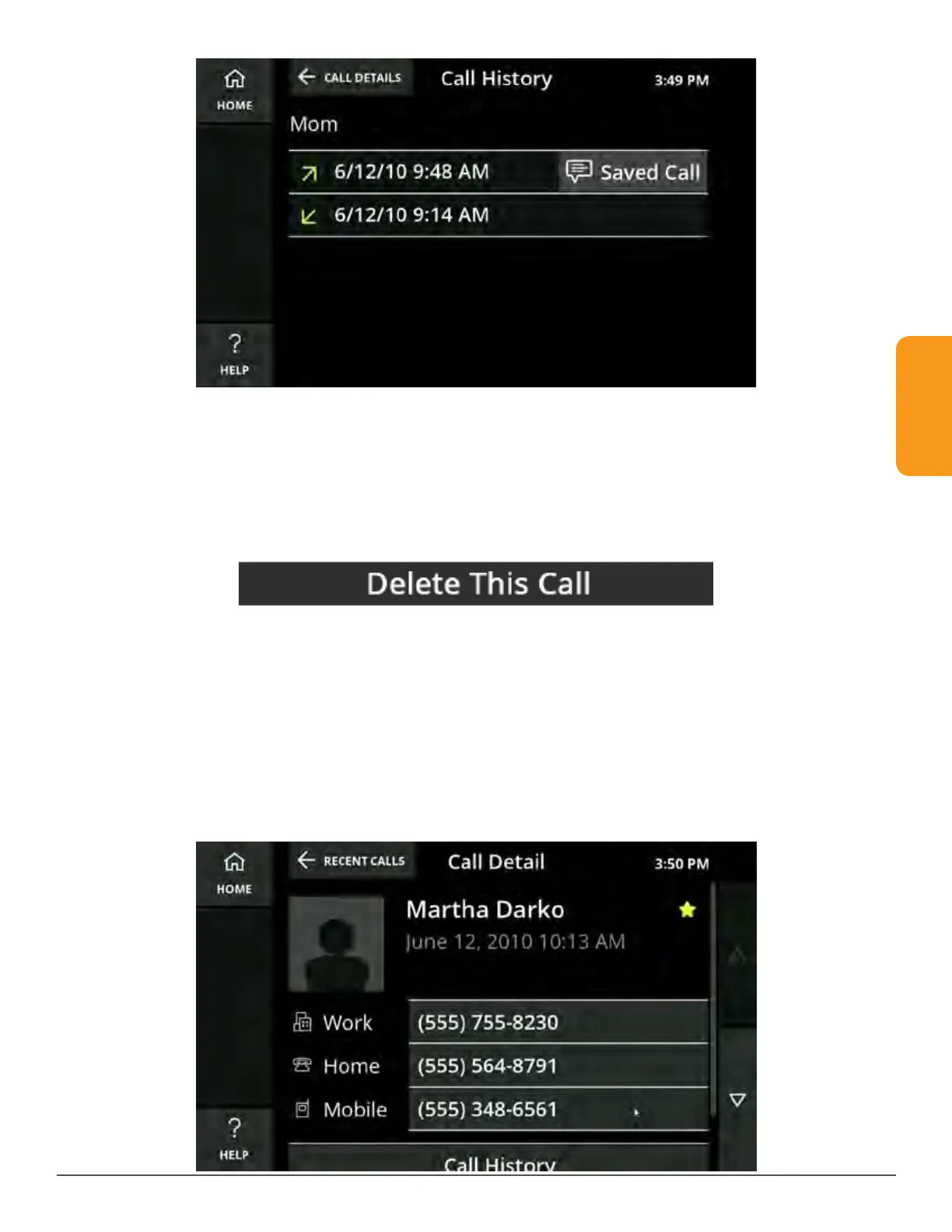
• Touching the date will call the number
• Touching Saved Call will display the captions from the call
Touch Delete This Call to delete the call from the Call History list. You will be
prompted to confirm you want to delete the call.
Deleting a call will not delete a saved contact from your Phonebook.
Helpful Hint
If your caller is already a contact in your Phonebook, instead of seeing the Return
Call, Create New Contact and Add to Existing Contact buttons, you will see the
caller’s phone numbers, Call History and Delete This Call. Simply touch the number
you want to call in order to return the call.



 To Next Page