Customer Support 1-877-557-2227
Page 93
Settings
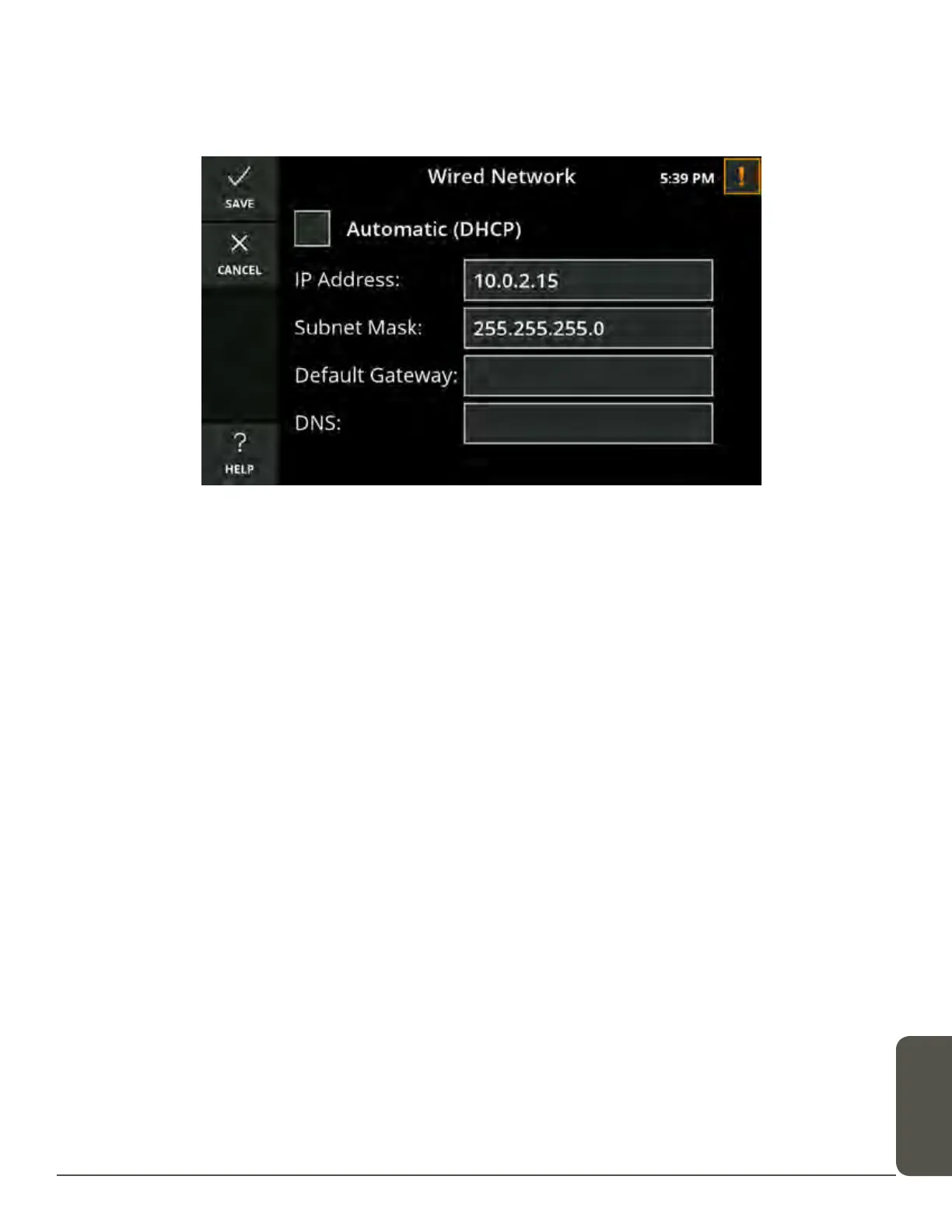
Wired Network Settings
The Wired Network settings screen displays the current wired network settings of
your CaptionCall phone and lets you configure these settings.
The DHCP (Dynamic Host Control Protocol) network setting is enabled by default.
DHCP automatically assigns network settings to your CaptionCall phone, including:
• IP Address
• Subnet Mask
• Default Gateway
• DNS (Domain Name Server)
WARNING
You should not disable DHCP or change any wired network settings unless you have
the technical knowledge required to do so.
If DHCP is not enabled on your network, or if you wish to manually enter your
Network settings:
1. Touch to remove the check from Automatic (DHCP) and the network settings
fields below it will become active.
2. Touch the field for the setting you want to change.
3. Use the keypad and enter the correct information.
4. Touch Save as you complete each item, and then touch Save on the Wired
Network screen to save the network setting.



 To Next Page