181
Printing
. Specifying the Number of Images for Grouped Images
You can specify the number of copies when printing images that are part of a CS or
interval group.
1. While playback of a CS or interval group is in progress or paused,
press [2].
• This will display the “Edit Group” menu.
2. Use [8] and [2] to select “DPOF Printing” and then press [SET].
3. Use [8] and [2] to select print method you want to use and then press
[SET].
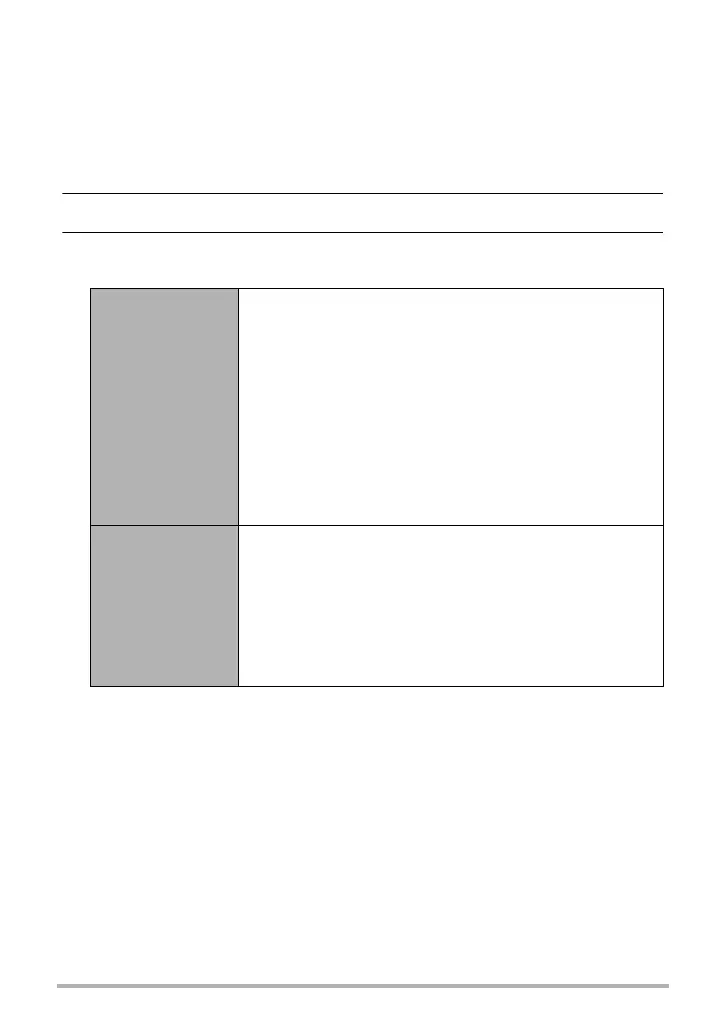
Select Frames
Specifies which group’s images and how many copies of
each should be printed.
Use [4] and [6] to scroll through images until one you
want to print is displayed.
Use [8] and [2] to specify the number of copies.
You can specify a value up to 99. Specify 00 for images
you do not want to print.
• If you want to include the date in the images, press
[0] (Movie) so “On” is shown for date stamping.
• Repeat steps
and
for all of the images you
want to print.
Press [SET].
Frame all
Specifies the same print settings for all the images in a
group.
Use [8] and [2] to specify the number of copies.
You can specify a value up to 99. Specify 00 if you do
not want to print the group images.
• If you want to include the date in the images, press
[0] (Movie) so “On” is shown for date stamping.
Press [SET].



 To Next Page
 Loading...