13 610 02 1018
36
Operation
5.5 F-SW Energy display task
To make sure that the energy level is correctly displayed at all times, the system inclu-
des a self monitoring function.
Therefore, during shockwave release the system constantly compares the nominal
energy value with the actual energy value.
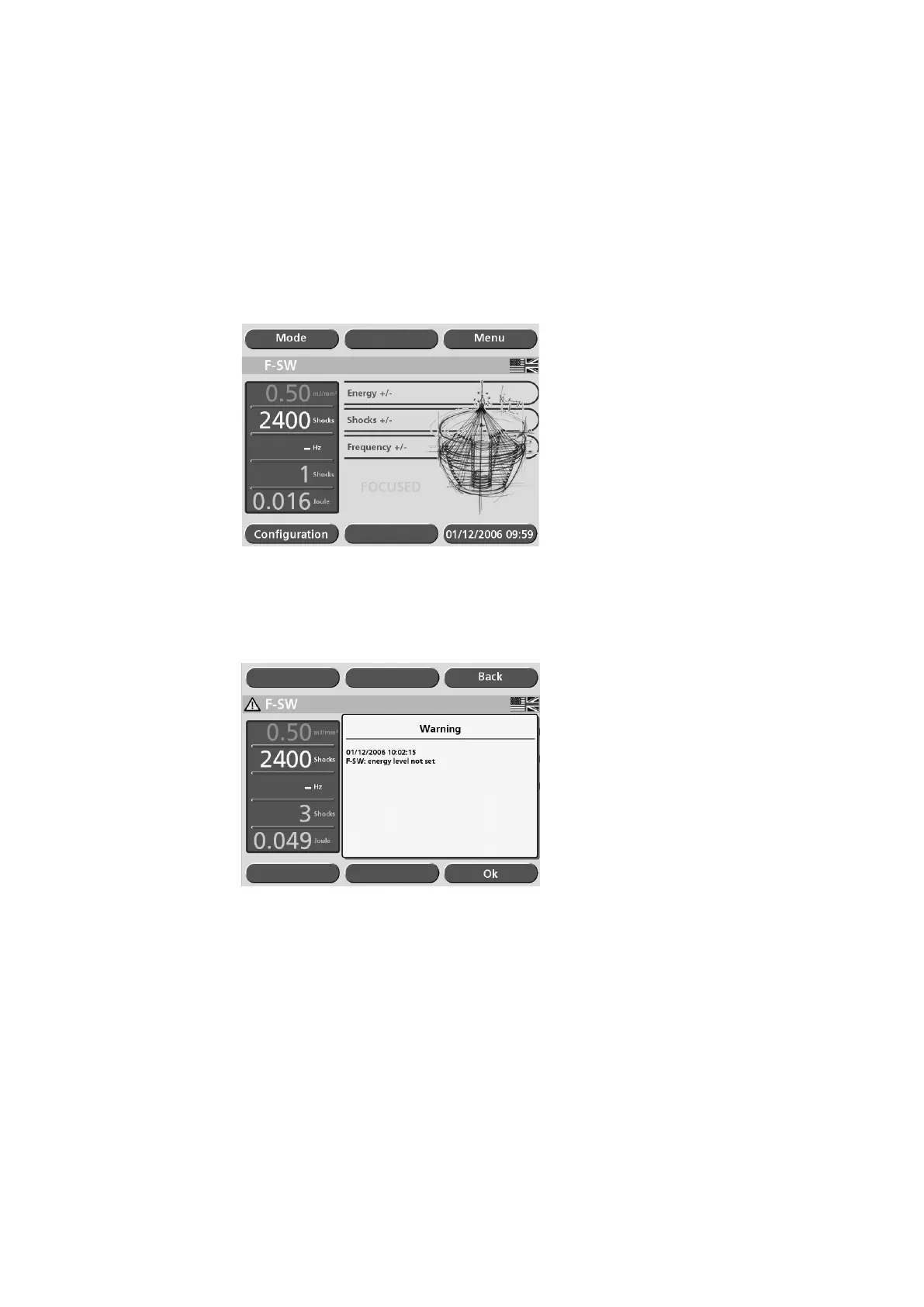
If these values do not match the energy level is displayed in grey and turns white as
soon as the required set value is reached.
Fig. 5-18 Energy level is not yet reached
If the difference persists shock wave release is disabled and an error message is displa-
yed.
Fig. 5-19 Error: Energy level not set
In case the warning appears, you can acknowledge it by touching “OK”.
Inform your service centre if the fault continues.











 To Next Page