13 610 02 1018
42
Operation
• Save the text by touching “OK”.
• Touch the “Back” button to view the list of in-house applications.
• Touch the “Load” button.
The highlighted indication will be loaded. The indication has been loaded successfully
when the loaded indication is displayed on the grey status bar.
• To review the treatment notes, touch the grey status bar.
The loaded indication is exited by
– Opening a new indication
– Changing a treatment parameter range
– Switching off the instrument
5.8 Patient record
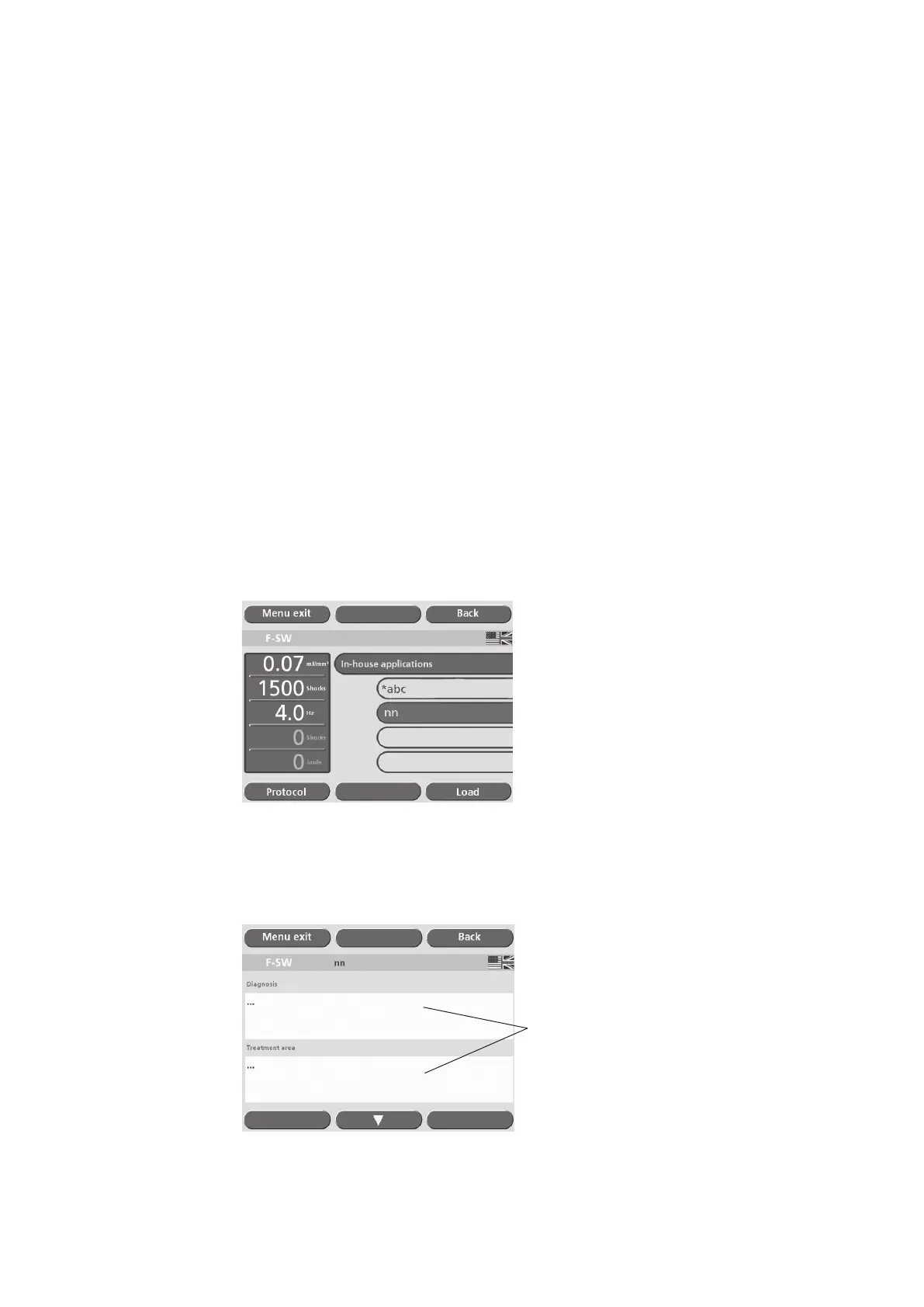
• Touch the “In-house applications” button (see picture below).
• Touch “OK”.
• Touch the button on which the required patient name is displayed
Fig. 5-29 Loading a patient record
• Touch the “Protocol” button.
The patient record will be displayed.
Text elds
Fig. 5-30 Patient record – treatment details











 To Next Page