13 610 02 1018
64
Cleaning, Maintenance and Overhaul
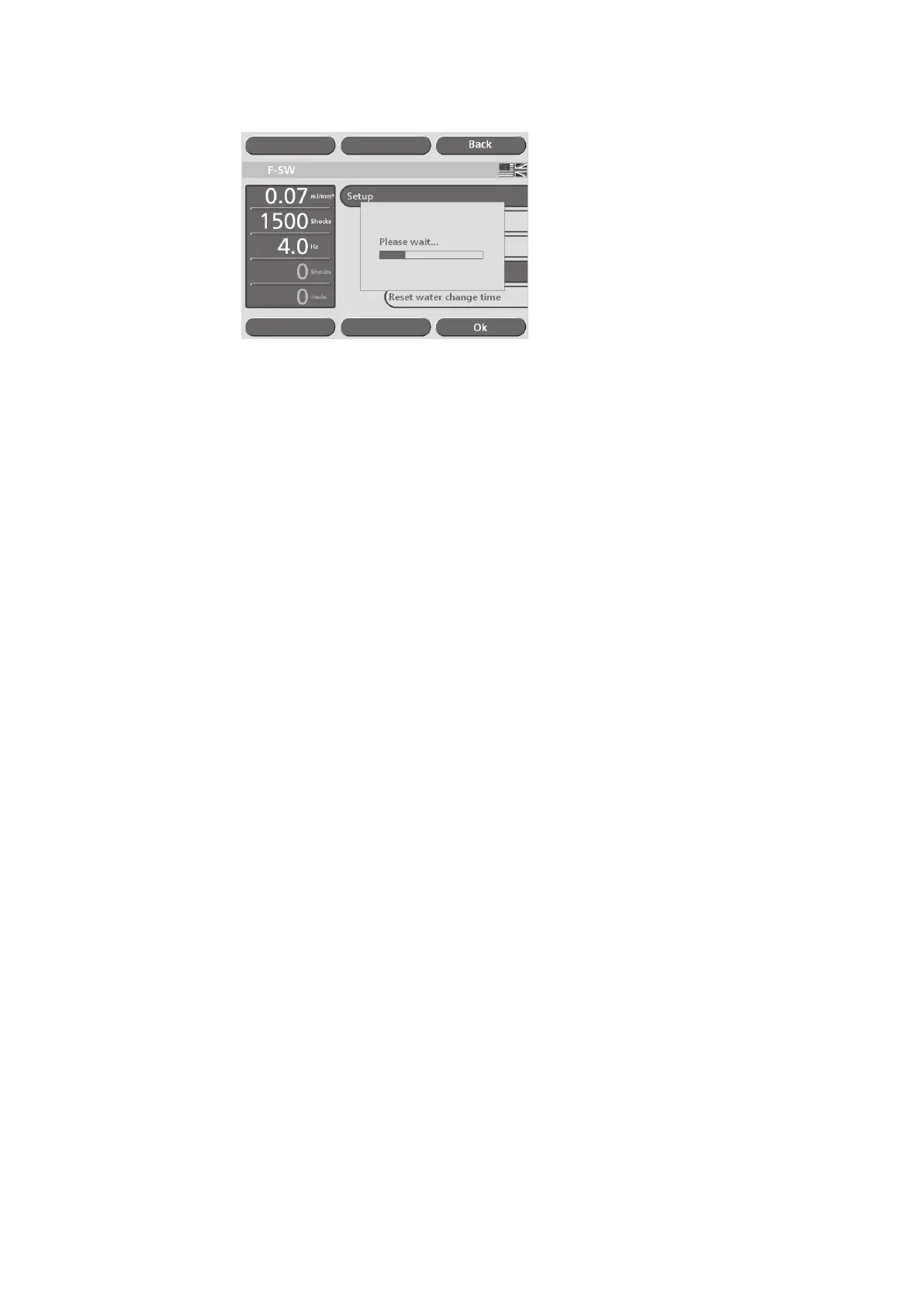
Fig. 6-61 Venting the water circuit
• Wait for the message to disappear, then return to the parameter entry screen by
touching the “Menu exit” button.
• Check that there are no bubbles under the coupling diaphragm of the F-SW hand-
piece. If bubbles are present, briey hold the handpiece pointing downwards in a
vertical position. The air bubbles will then be automatically sucked in by the bubble
trap.
6.4.3 Bleeding the water circuit
• Select “Bleed water circuit” from the “Setup” menu (Fig. 6-53/3).
A progress bar will be displayed (Fig. 6-61).
• Wait for the message to disappear, then return to the parameter entry screen by
touching the “Menu exit” button.
• Check that there are no bubbles under the coupling diaphragm of the F-SW hand-
piece. If bubbles are present, briey hold the handpiece pointing downwards in a
vertical position. The air bubbles will then be automatically sucked in by the bubble
trap.
6.4.4 Resetting the water renewal time
Every six months, the instrument prompts you to renew the water; the prompt does
not disappear permanently until the water has been renewed.
The “Reset water renewal time” function can be selected to cancel this reminder
function or to adapt it to a new date setting.
• Activate “Reset water renewal time” operating mode in the “Setup” menu
The time when the water renewal reminder is triggered is automatically moved
forwards by six months. A window showing the new date of water renewal appears
briey on the display.
• Press the “Exit” button to open the parameter entry screen.
Failure to renew the water regularly may shorten the service life of the instrument.











 To Next Page